
How to Transfer Music from iPad to iTunes?

Summary
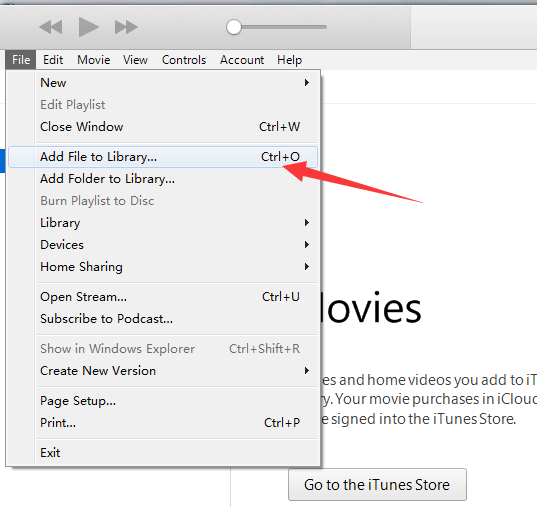
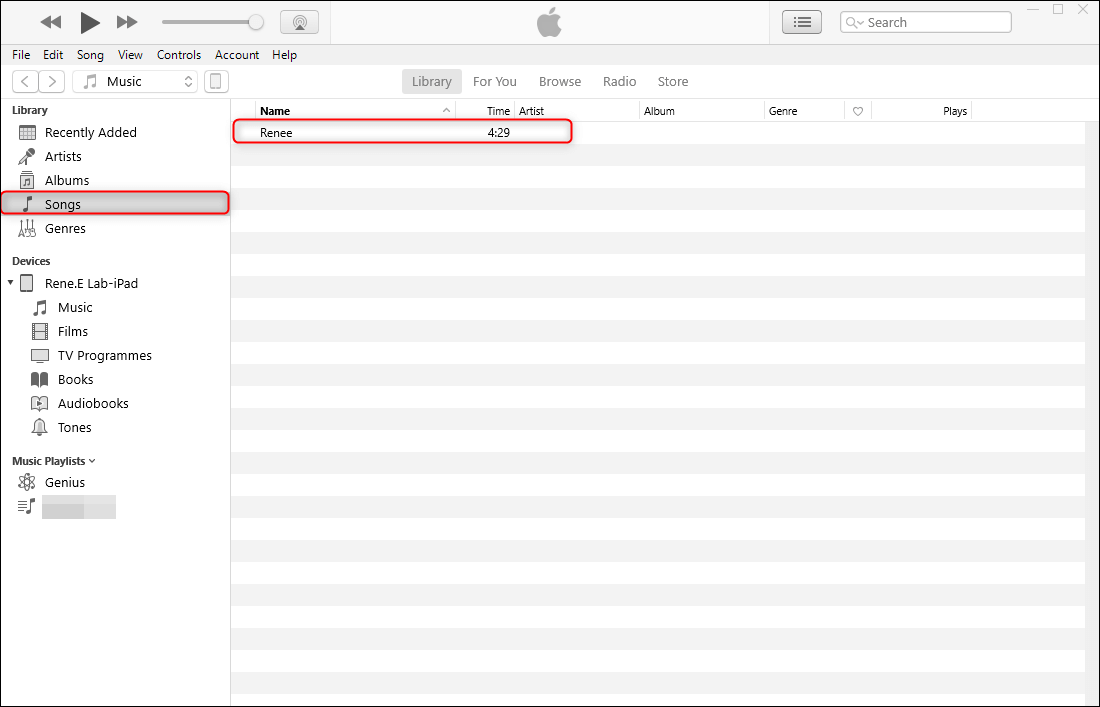
In our daily life, we may need to move songs to iTunes. Do you know how to transfer music from iPad to iTunes? We will tell you how to do in this essay.
Part 1: Why Music Should be Transferred from iPad to iTunes
Part 2: How to Transfer Music from iPad to iTunes
1. Export iPad music with iTools and then transfer to iTunes with Renee Audio Tools

Cutter Users can seperate videos into equal clips by time, size, etc.
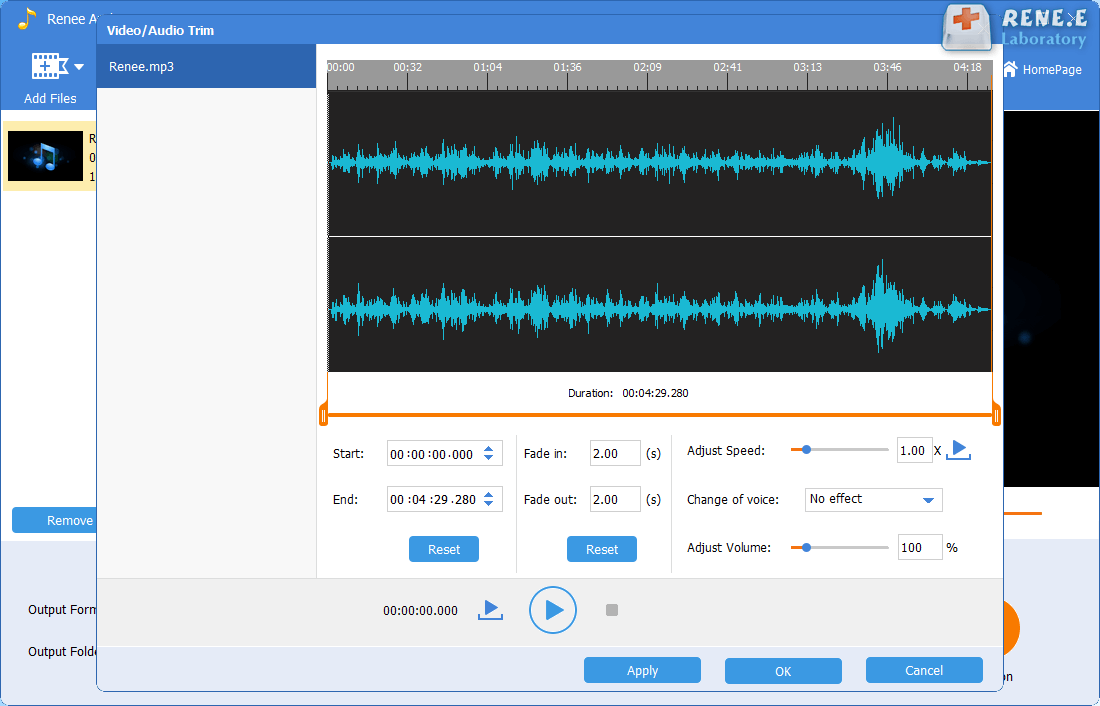
Many Available Tools Such as fade in/out, speed adjustment, music mixing and volume adjustment.
Converter Convert music files between all audio formats, including MP3, M4A, ACC, OGG, AAC, FLAC and the others.
Recorder Record PC sounds and microphone at the same time and output in multiple formats.
Joiner Merge music files into one regardless the original file formats.
Cutter Seperate videos into equal clips by time, size, etc.
Multiple Tools Fade in/out, speed adjustment, music mixing and volume adjustment.
Convert Convert music files between all audio formats.
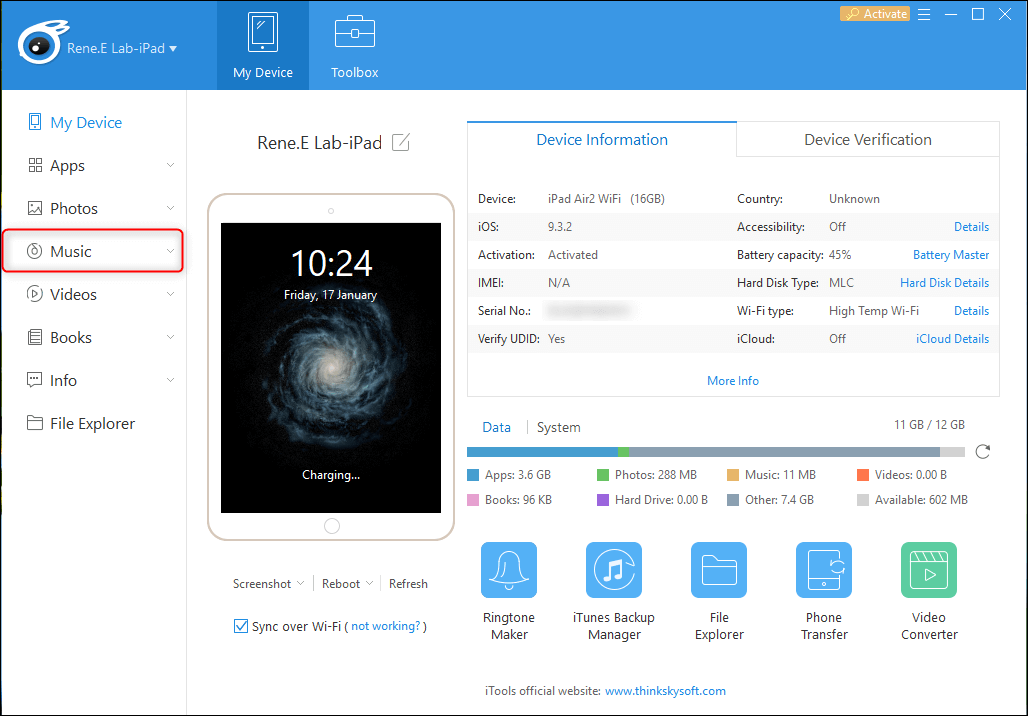
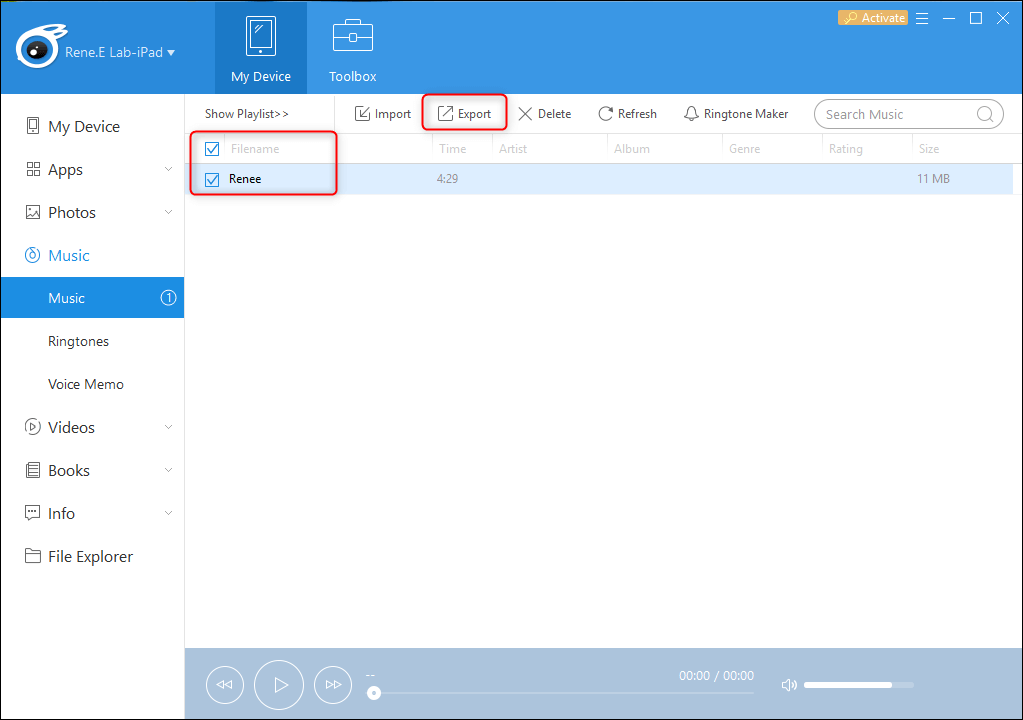
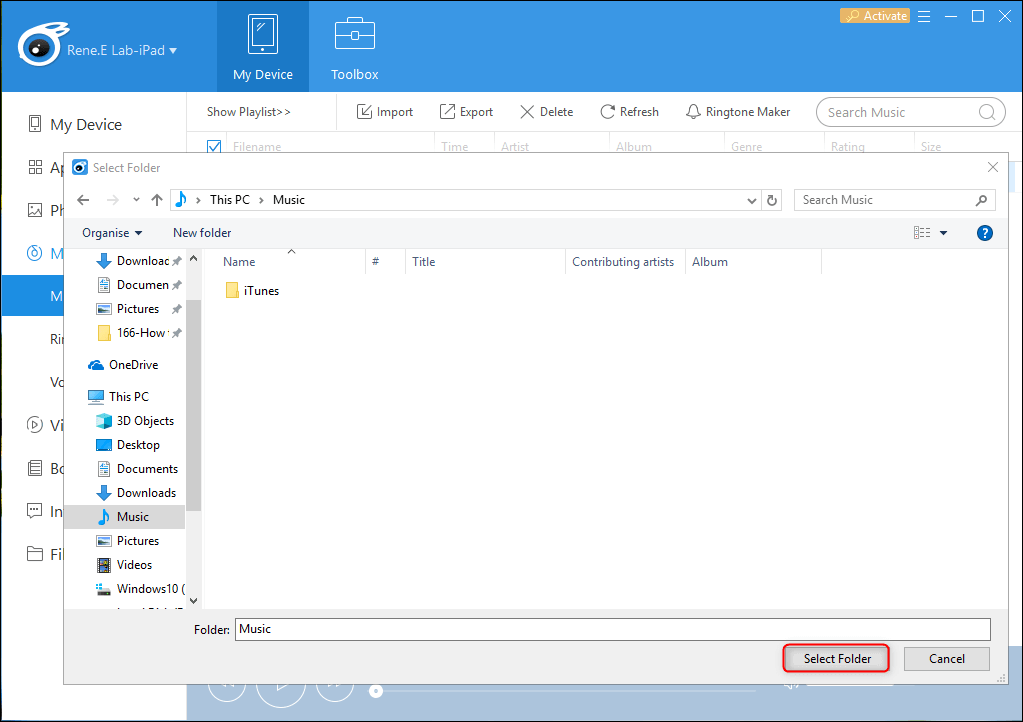
Free TrialFree Trial 2000 users have downloaded and enjoyed Renee Audio Tools!a. Download and install iTools.

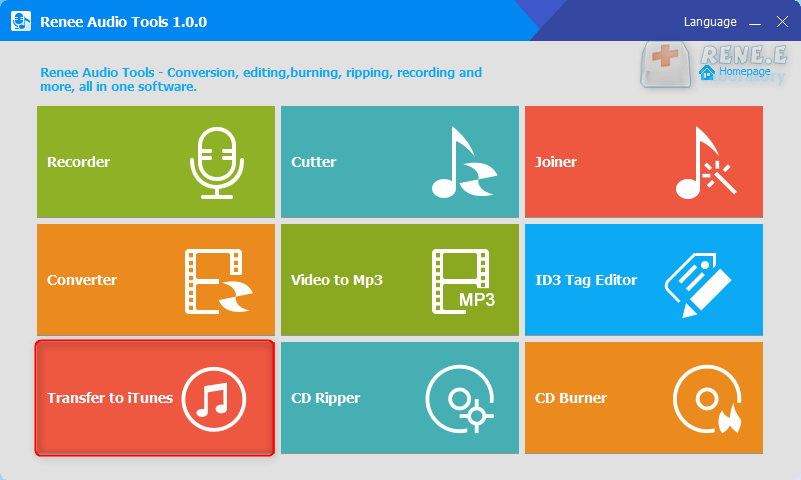
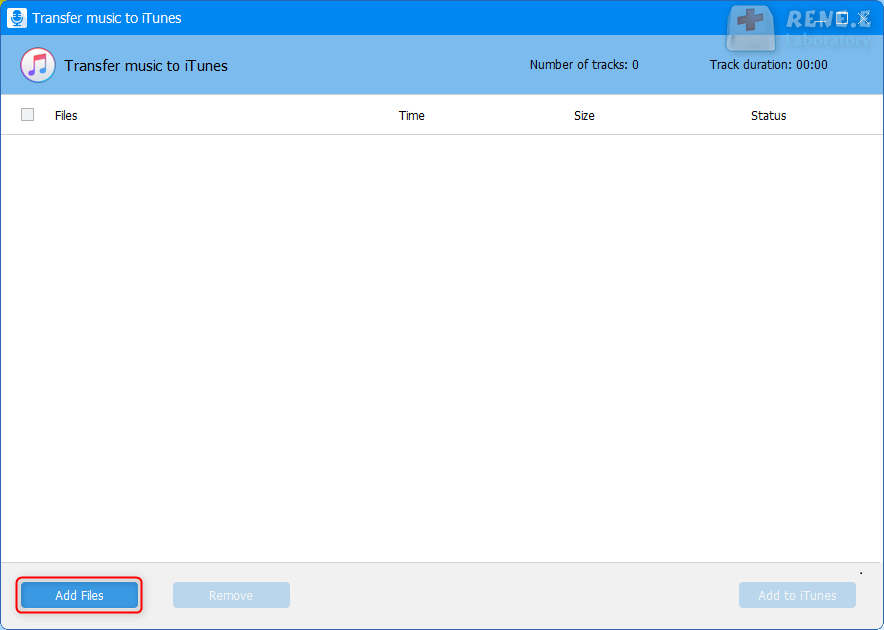
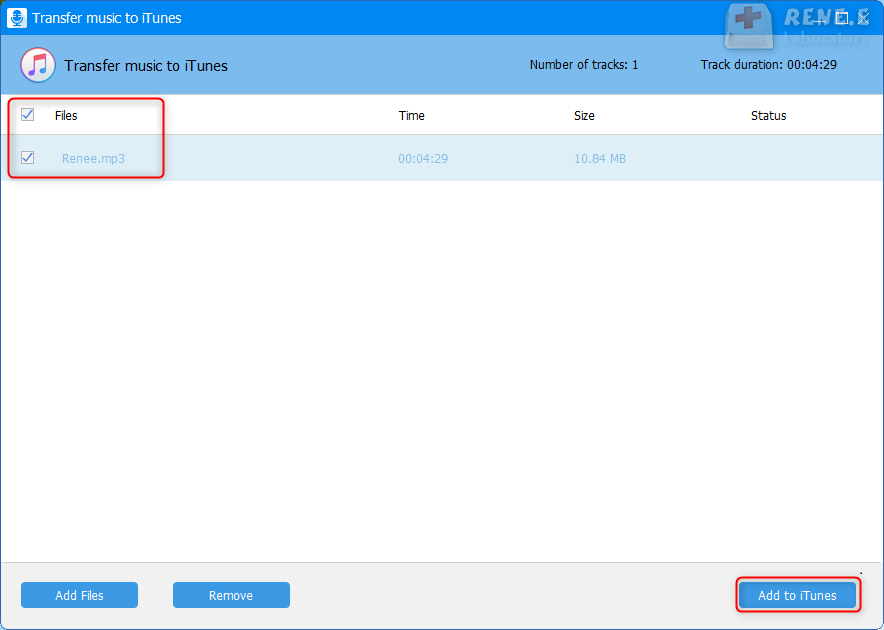
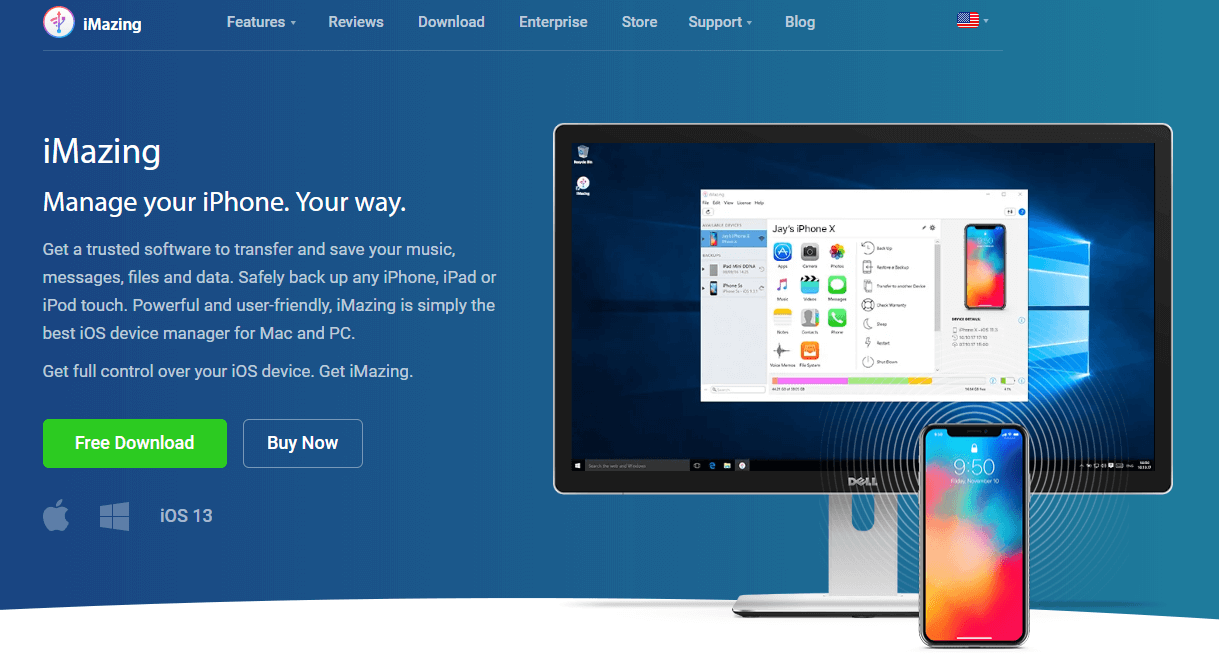
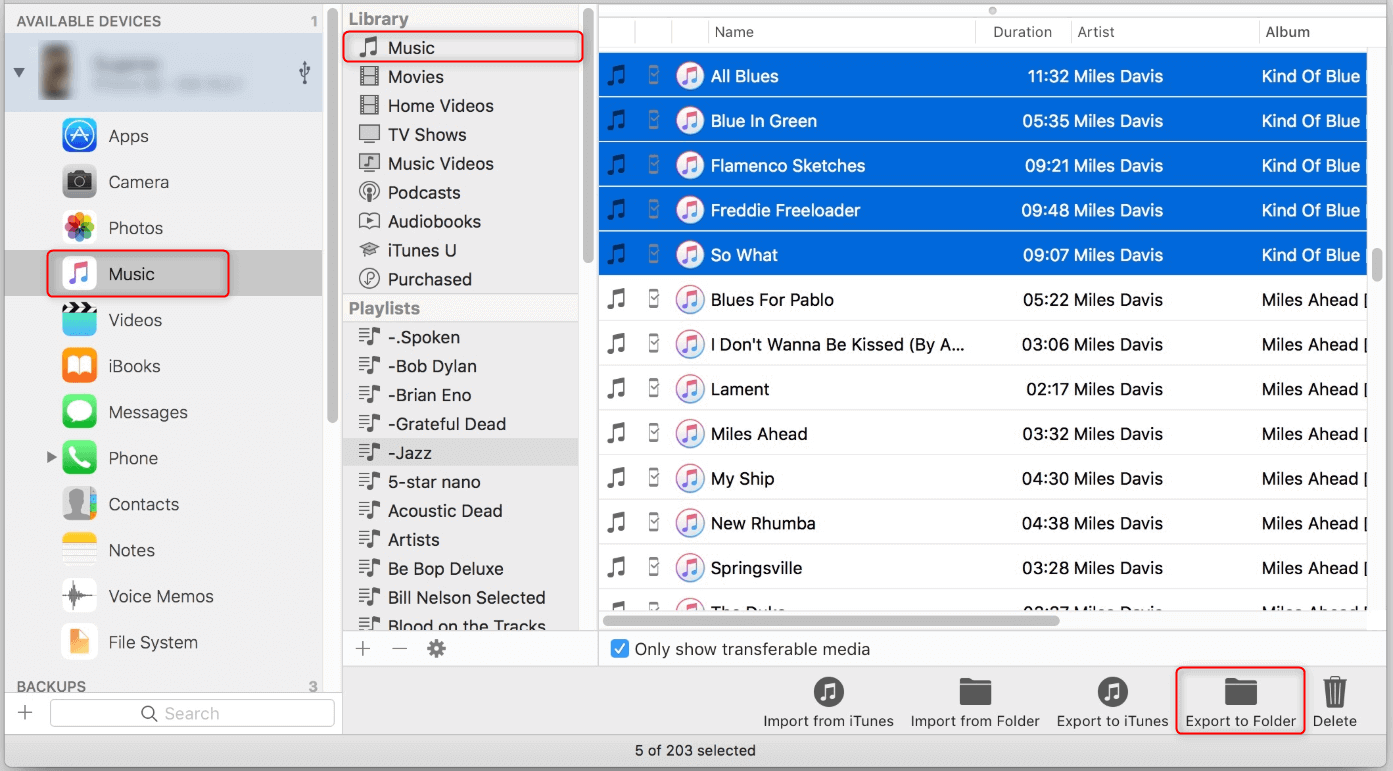
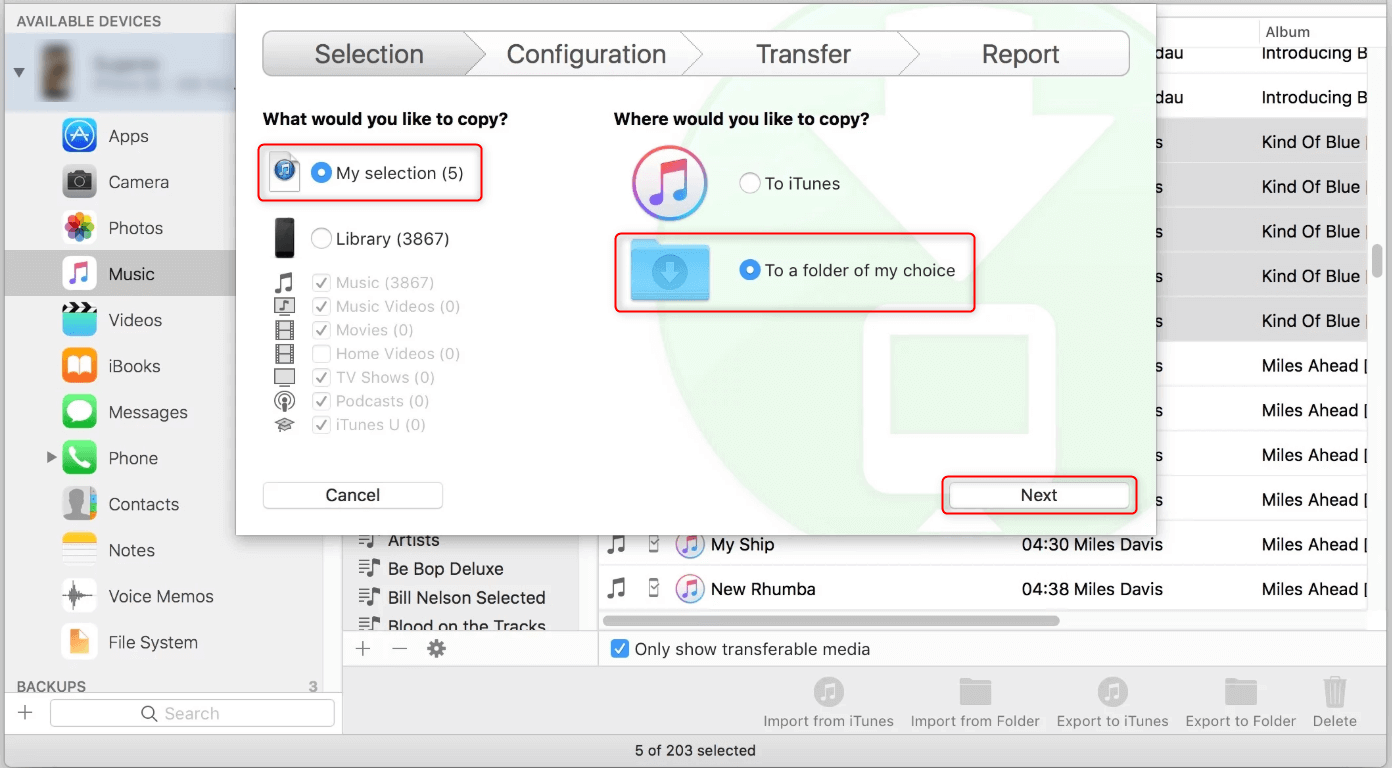
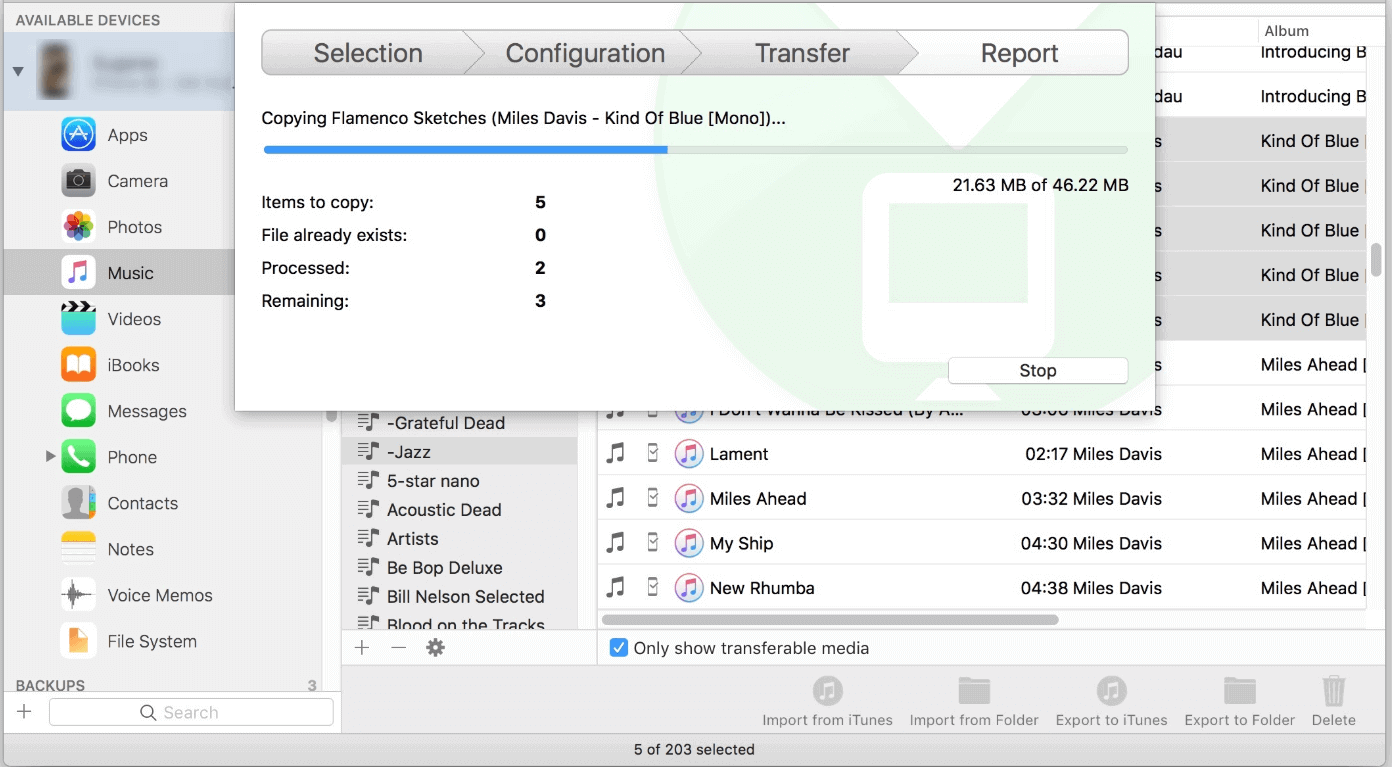
2. Export iPad music with iMazing and then add to iTunes
Part 3: Comparison
If you want to edit the iPad music, Renee Audio Tools can fulfill all your needs. That cannot be completed by iMazing and iTunes. Therefore, we suggest using Renee Audio Tools to edit music and transfer to iTunes.
Relate Links :
How to Add Music from iTunes to iPad?

16-01-2020
Jennifer Thatcher : Many people enjoy listening to music and watching videos with their iPads. Do you know how to add...
How to Extract Audio from Video?
16-01-2020
Jennifer Thatcher : Sometimes, the background music of a video sounds good but we cannot download the video. What should we...


