
How to Make a Creative Ringtone for iPhone?

Summary
Although many branded phones offer different ringtones for users. But these ringtones are too common and too monotonous. Some users, especially iPhone users find it complicated to make their ringtones special. In this essay, we will talk about how to make a creative ringtone for iPhone.
Part 1: How to Get Music Resources?
Part 2: Hot Music Players
1. Spotify

2. KKBOX

Part 3: Hot Music Websites
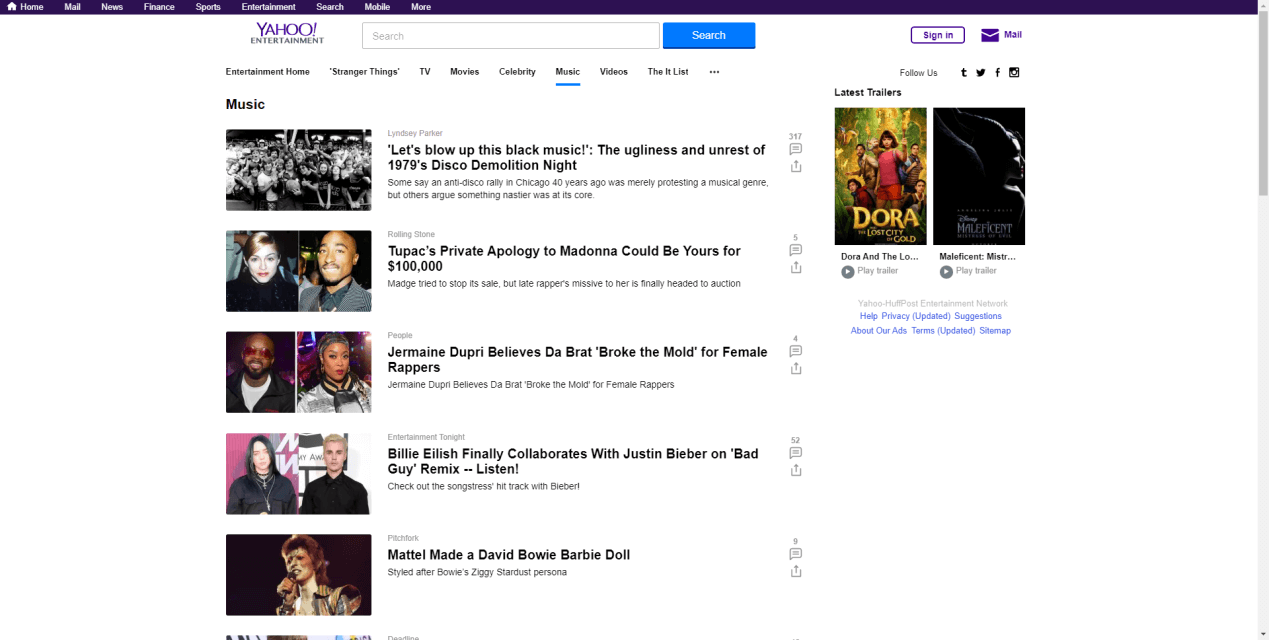
1. Yahoo
2. SoundCloud
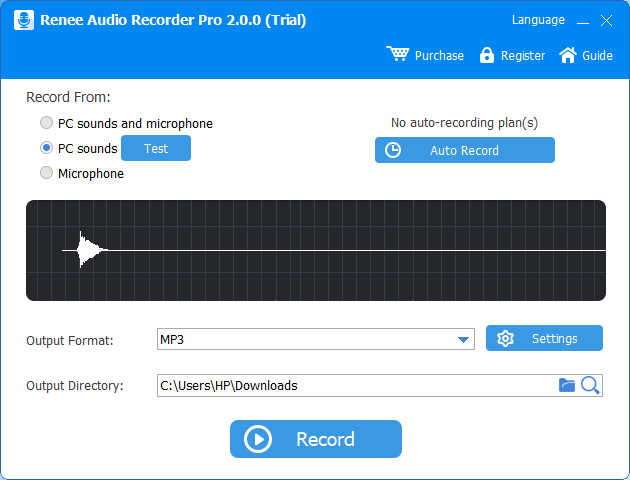
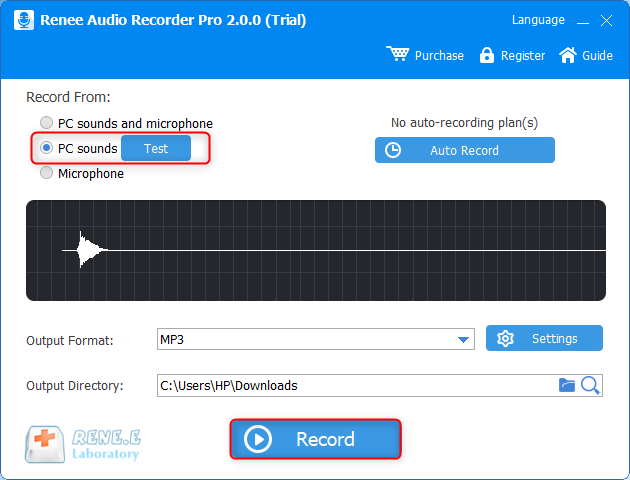
Part 4: How to Save the Non-downloadable Audios?

Easy to Use Just a few clicks to finsh the audio record.
Voice to Text Converts voice to text with multiple language support.
Multiple Output Formats Outputs recorded audios into WAV, AIFF, MP3, AAC and FLAC and more.
Audio Player Instantly play back recordings after capture.
Auto Recording Automatically record at scheduled times or when specific programs launch.
Easy to Use Just a few clicks to finsh the audio record.
Voice to Text Converts voice to text with multiple language support.
Multiple Output Formats Outputs recorded audios into WAV, AIFF, MP3, AAC and FLAC and more.

Part 5: How to Make a Creative Ringtone for iPhone?
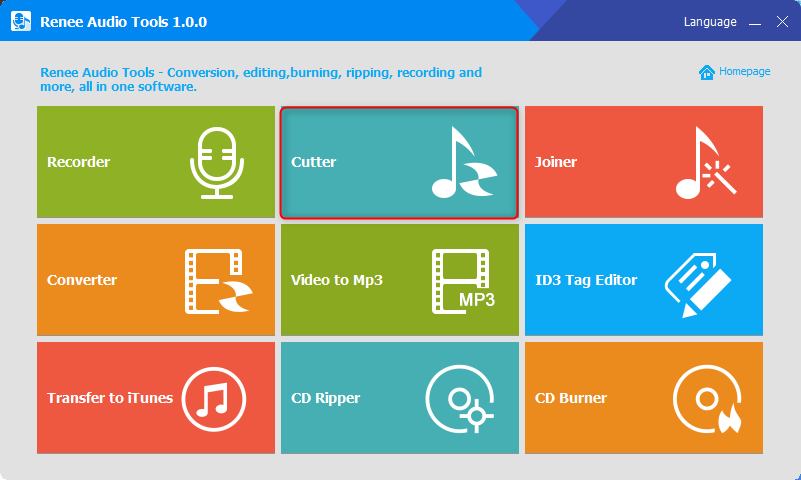
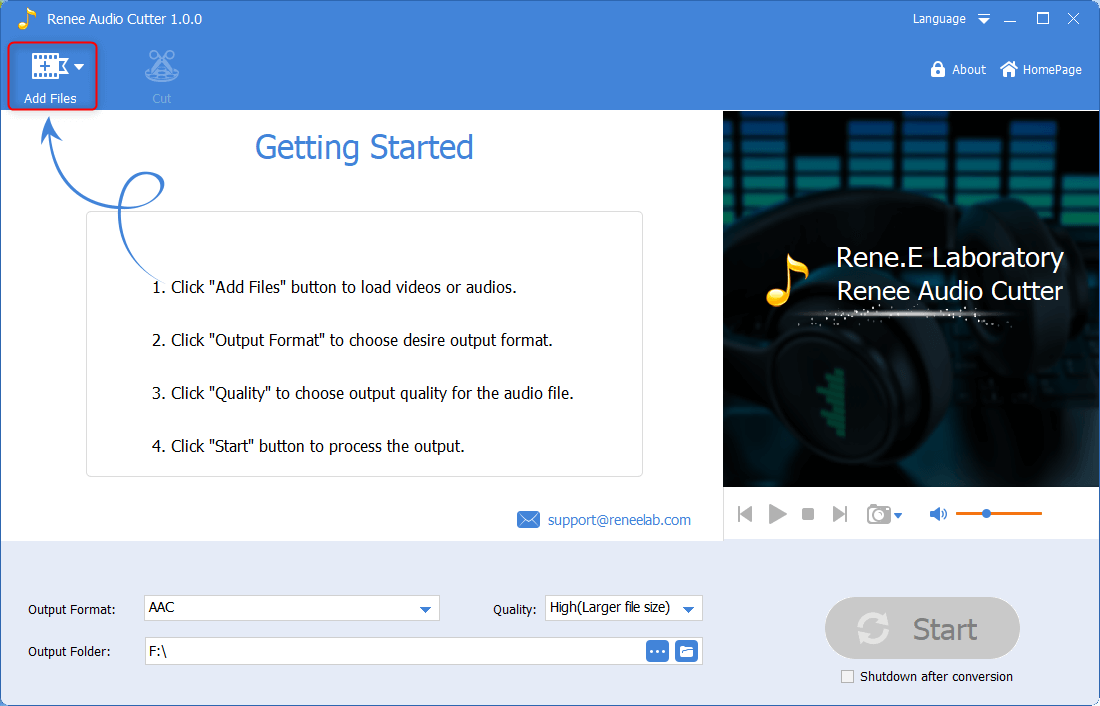
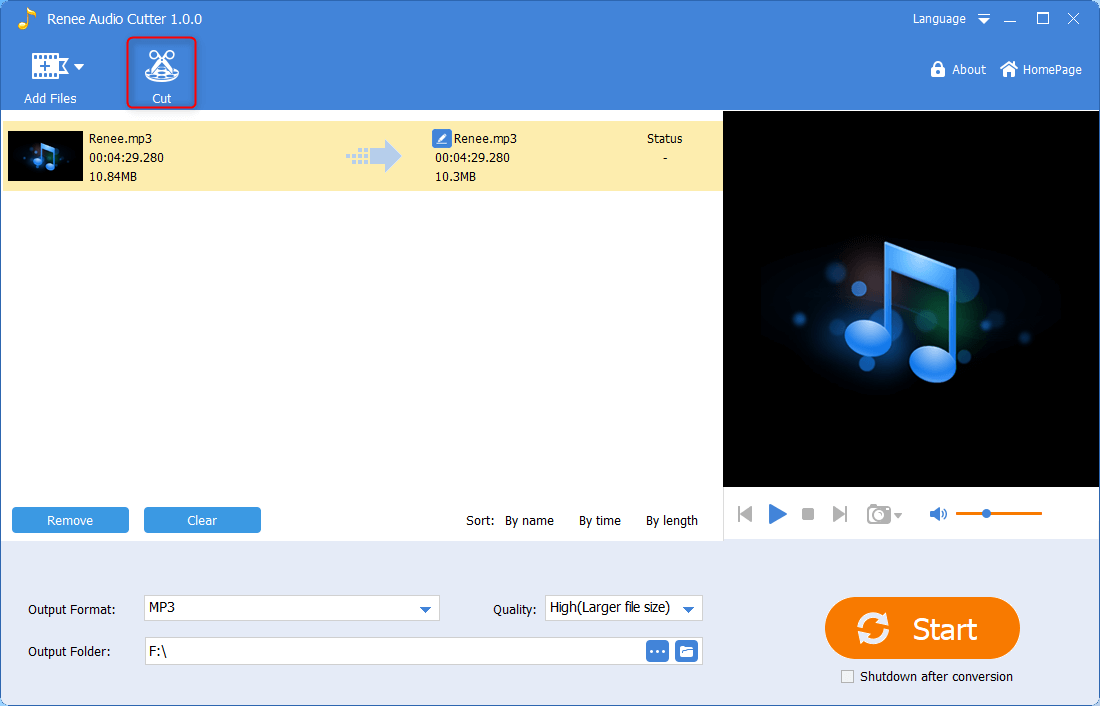
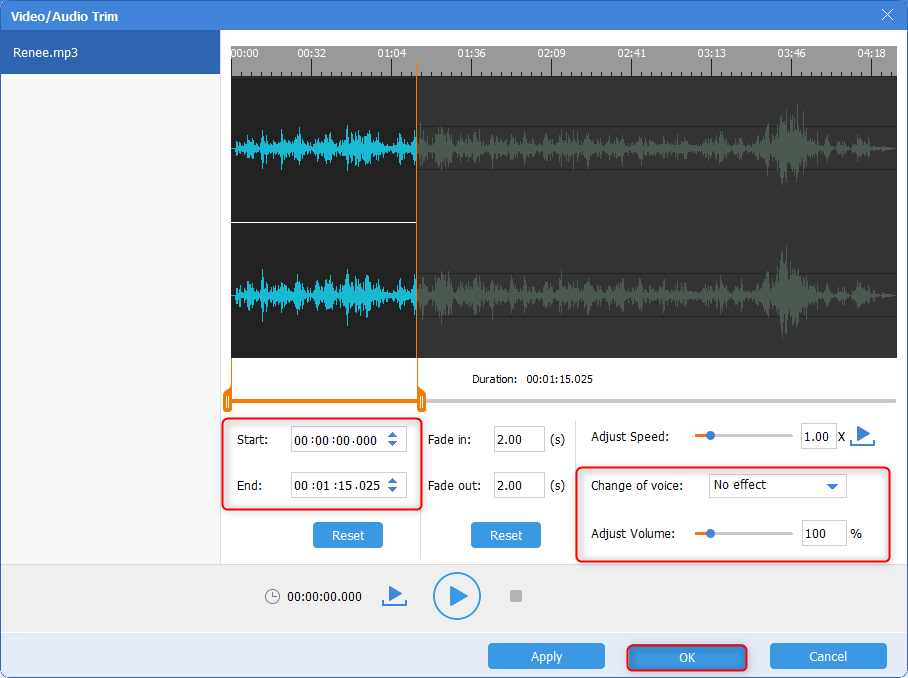
CutterArbitrarily cut and clip audios in MP3, ACC, FLAC and APE formats. Many effects, such as fade in/out, speed adjustment, music mixing and volume adjustment, are available.
ConverterConvert music files between all audio formats, including MP3, M4A, ACC, OGG, AAC, FLAC and the others. It can also convert the video format into MP3.
RecorderRecord computer sounds from streaming media and microphone at the same time and output into multiple audio formats.
JoinerMerge music files into one regardless the original file formats. The output format and quality can be set, too.
CD BurnerBurn multiple music files into CD, DVD and also make APE or BIN image file.
Compatible with: Windows 10 / 8.1 / 8 / 7 / Vista / XP (32bit/64bit)
CutterArbitrarily cut and clip audios in diffrent formats. Many effects, such as fade in/out, speed adjustment, music mixing, are available.
ConverterConvert music files between all audio formats, including MP3, M4A, ACC, OGG, AAC, FLAC and the others. It can also convert the video format into MP3.
RecorderRecord computer sounds from streaming media and microphone at the same time and output into multiple audio formats.
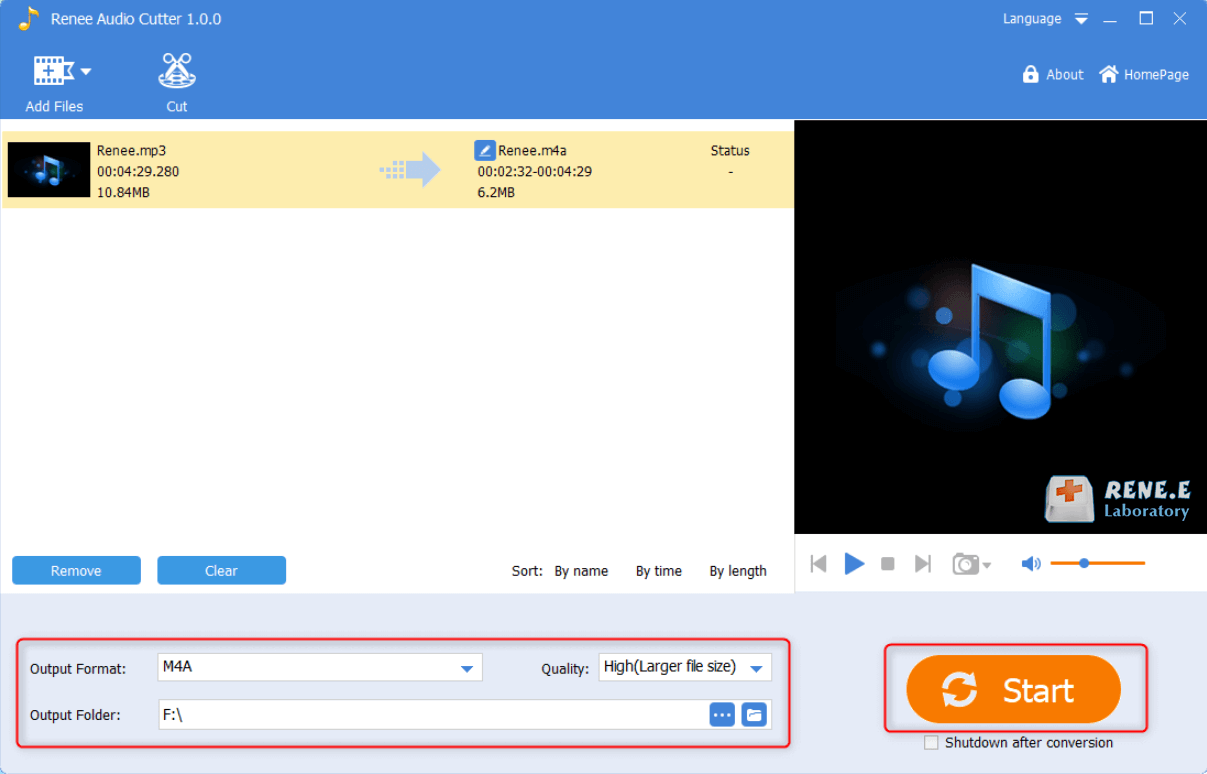
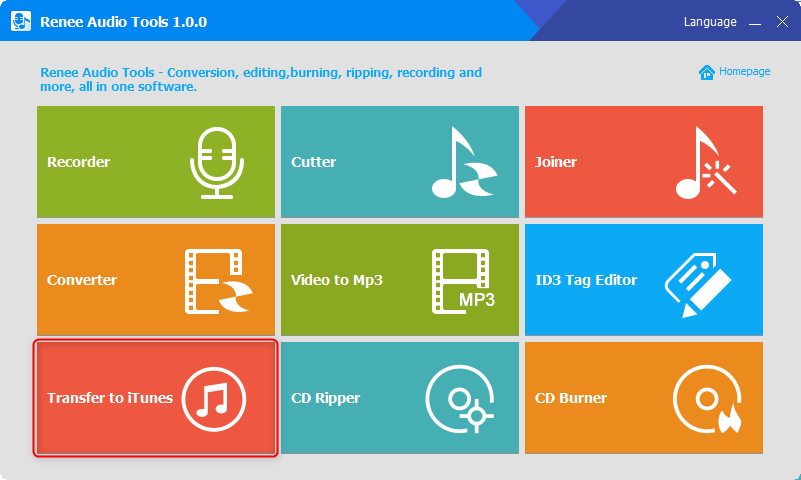
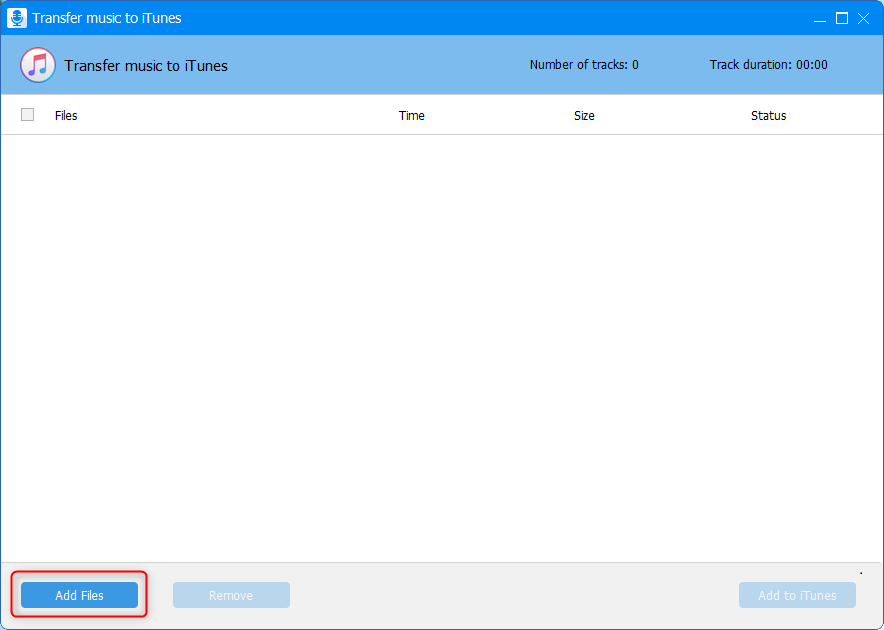
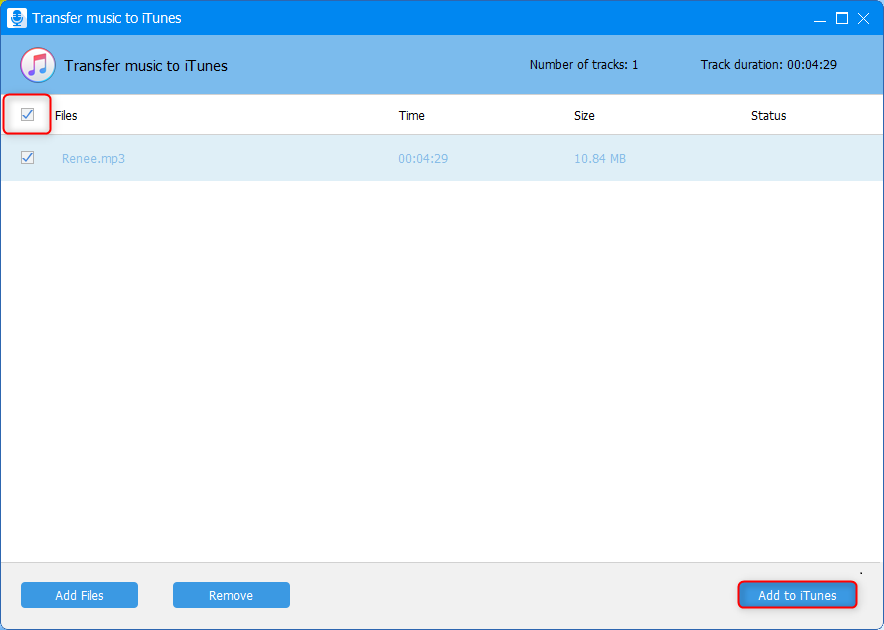
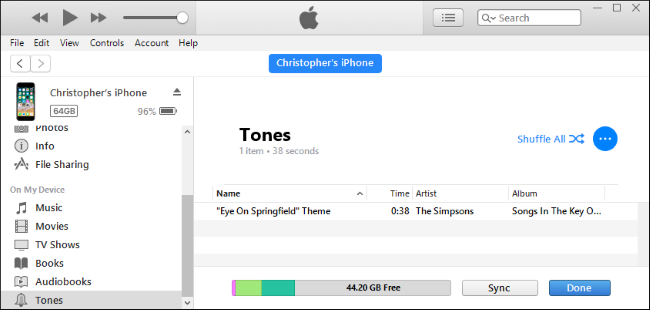
Part 6: How to Change a New Ringtone for iPhone?
Relate Links :
MP3 Volume Normalizer: How to Nomalize MP3 to the Similar Volume?
29-11-2019
Amanda J. Brook : MP3 is one of the common audio formats frequently used by us. Sometimes, the volume of the MP3...
How to Transfer Music from Android to iPhone?
29-11-2019
Amanda J. Brook : As we all know, there is no interrelationship between iOS and Android. If we want to deliver information...


