
How to Protect USB Drive with Password?

Summary
USB drive is the storage media that can store data and can be read in different devices. Therefore, it is favored by many users. However, the inside data is easily lost or stolen when out of password protection. In this essay, we will talk about how to protect the USB drive with password.
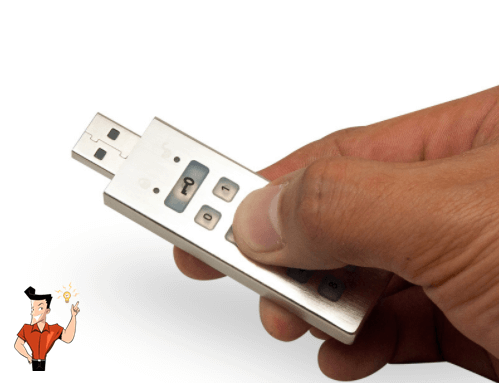
A. Non-factual encryption. Users can set a password to hide file. But this is merely an identification way, without any actual protection.
B. Software encryption. The files are encrypted with the AES-shipped software.
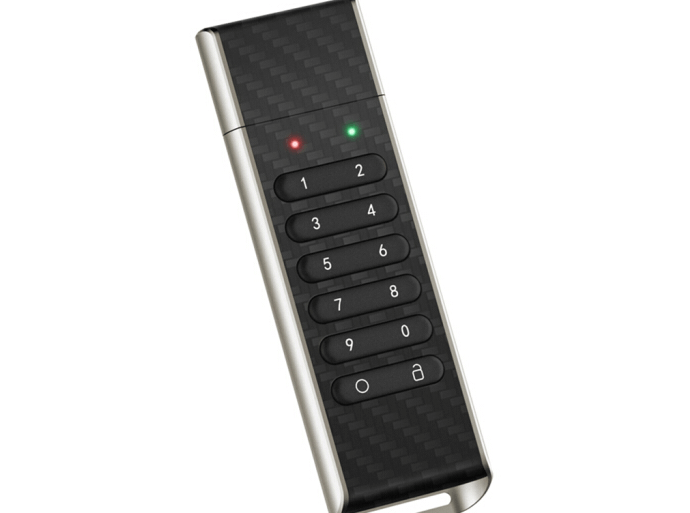
C. Firmware encryption. The USB drive is equipped with the firmware that can encrypt data. This is the advanced encryption way.

Encrypt files in seconds Encrypt files with virtual encrypted disk and whole process can be finished in 1 second.
User friendly Concise interface helps users master the software in short time.
High Security AES256 encryption algorithm helps Renee Seecure Silo encrypt files confidentially.
Encrypt any Data Support to encrypt images, videos, Office documents and software.
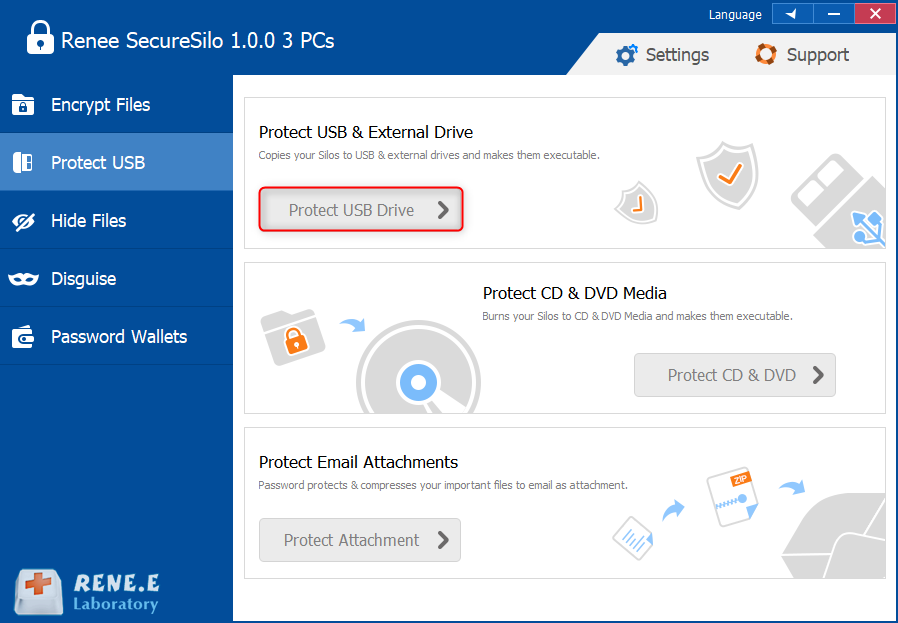
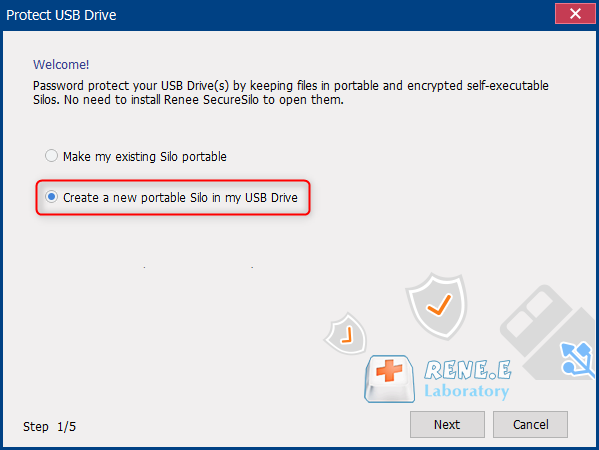
Overall Data Protection Solution Protect data in USB disk/hide/disguise files/ Password wallet.
Easy to use Few clicks for whole encryption process.
User friendly Concise interface helps users master the software in short time.
Encrypt any Data Support to encrypt images, videos, Office documents and software.
Relate Links :
How to Password Protect Excel Files?

05-08-2020
Ashley S. Miller : Excel files are always around our office work. Many people prefer to encrypt the Excel files for privacy...
How to Password Protect Dropbox Folder?

31-07-2020
Amanda J. Brook : Now, over 100 million people are using Dropbox to store files. Some of them are concerned about whether...


