


How to Fix Apple Watch Stuck on Apple Logo?

Summary
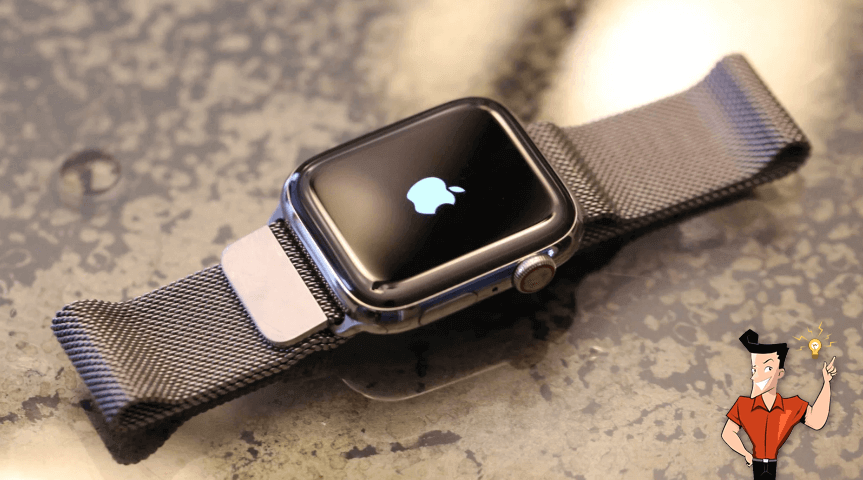
What should we do if Apple Watch fails to boot, stuck on Apple logo? Don’t hurry to ask for after-sales service. Try these methods!

Remove Passcode Delete the passcode for iOS devices even locked out.
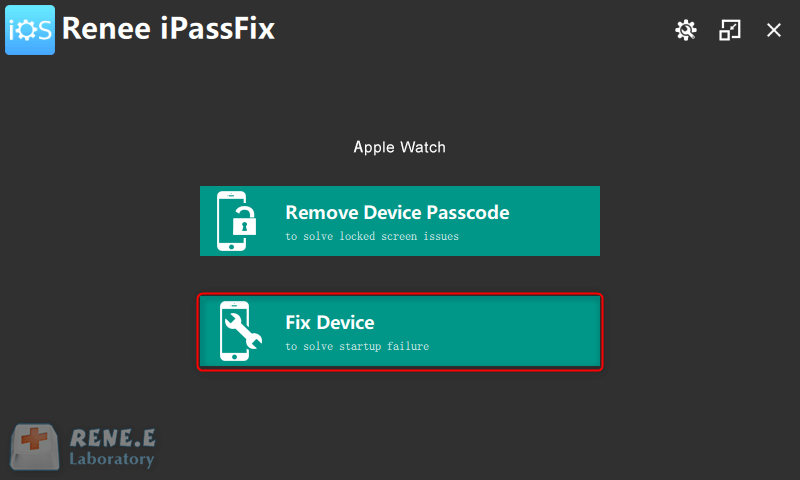
Fix iOS System Failure Recover frozen iOS devices from DFU mode, recovery mode or other system problems.
Factory Reset One click to restore iOS devices to factory status.
Full Support to iOS Devices Compatible with all models of iPhone, iPad and iPod Touch.
Well Compatibility Fully compatible with the latest version of iOS.
Remove Passcode Delete the passcode for iOS devices even locked out.
Well Compatibility Fully compatible with the latest version of iOS.
Full Support to iOS Devices Compatible with all models of iPhone, iPad and iPod Touch.

Relate Links :
iTunes won’t Sync Music or Other Media to iPhone? Find Solution Here

13-01-2021
John Weaver : You can use iTunes to sync music, video, Apps, and other files to iPhone, iPad, and iPod. In...
How to Factory Reset iPod touch by Force?

13-01-2021
Ashley S. Miller : Given to the prices, many people prefer to buy an iPod Touch with the small storage capacity. However,...


