
How If iPhone Ringtones not Working?

Summary
Some iPhone users report that their ringtones don’t work. Why? How to do if the iPhone ringtones are not working? We list some methods in this essay.


Remove Passcode Delete the passcode for iOS devices even locked out.
Fix iOS System Failure Recover frozen iOS devices from DFU mode, recovery mode or other system problems.
Factory Reset One click to restore iOS devices to factory status.
Full Support to iOS Devices Compatible with all models of iPhone, iPad and iPod Touch.
Well Compatibility Fully compatible with the latest version of iOS.
Remove Passcode Delete the passcode for iOS devices even locked out.
Well Compatibility Fully compatible with the latest version of iOS.
Full Support to iOS Devices Compatible with all models of iPhone, iPad and iPod Touch.
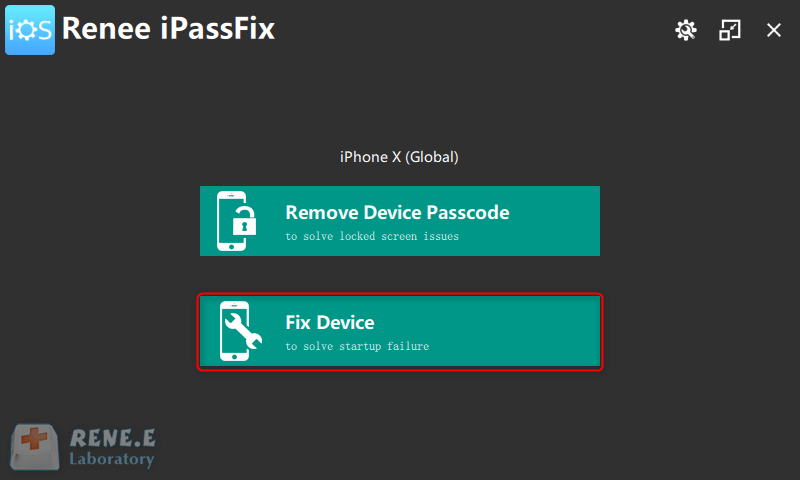
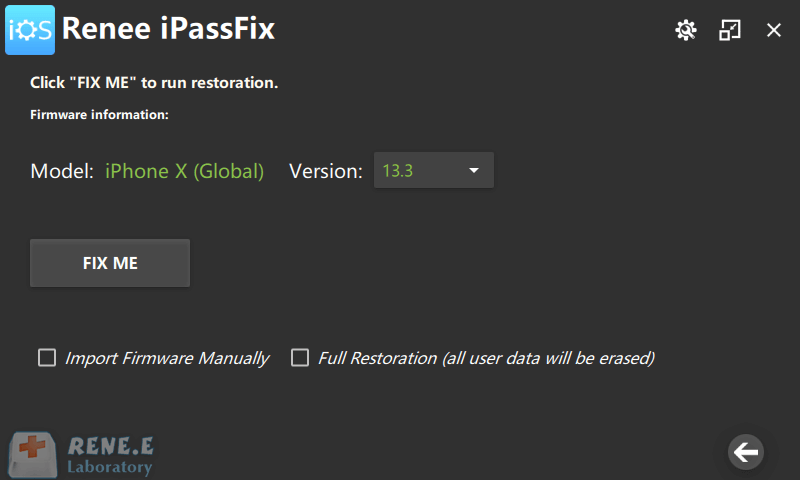
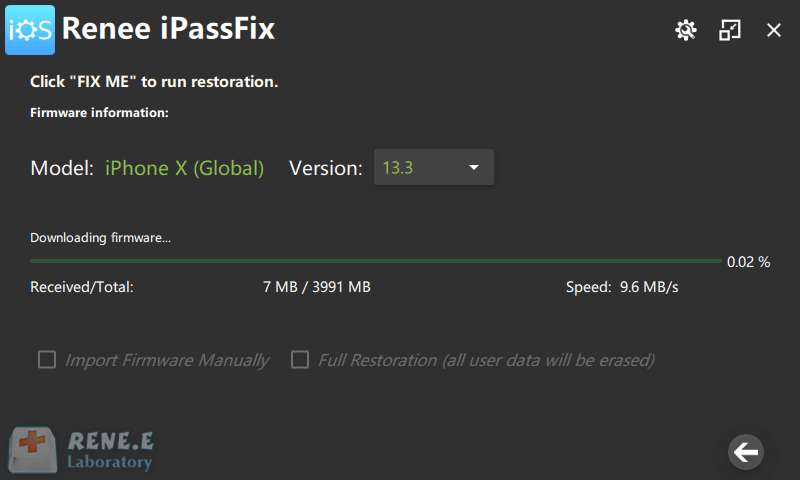
Note: If you want to remove all malicious apps, we suggest using the option [Full Restoration] which can empty all iPhone data. Therefore, before this step, you should back up the important information, such as photos and contacts. After the restoration, you can enter the Apple ID and password to reactivate your phone.
Relate Links :
How to Tell If Your Phone is Hacked?

26-01-2021
Ashley S. Miller : Smartphone is rapidly developed and widely used. Now, hackers attempt to steal information from our smartphones. Once our...
How to Encrypt iPhone Backup Files?
18-01-2021
Ashley S. Miller : The network unites individual users together. But at the same time, personal information is at risk of being...


