
Solution for Error 0xE8000013 When Updating to iOS 12 with iTunes

Summary
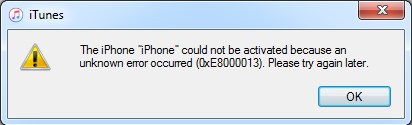
When you update device to iOS 12 on iTunes, you are asked to type the Apple ID to activate your iPhone or iPad. But if it displays the error that “The iPhone could not be activated because unknown error occurred (0xE8000013)”, what to do? In this article, solutions for error 0xE8000013 during the update of iOS 12 will be provided.

Remove Passcode Delete the passcode for iOS devices even locked out.
Fix iOS System Failure Recover frozen iOS devices from DFU mode, recovery mode or other system problems.
Factory Reset One click to restore iOS devices to factory status.
Full Support to iOS Devices Compatible with all models of iPhone, iPad and iPod Touch.
Well Compatibility Fully compatible with the latest version of iOS.
Remove Passcode Delete the passcode for iOS devices even locked out.
Well Compatibility Fully compatible with the latest version of iOS.
Full Support to iOS Devices Compatible with all models of iPhone, iPad and iPod Touch.
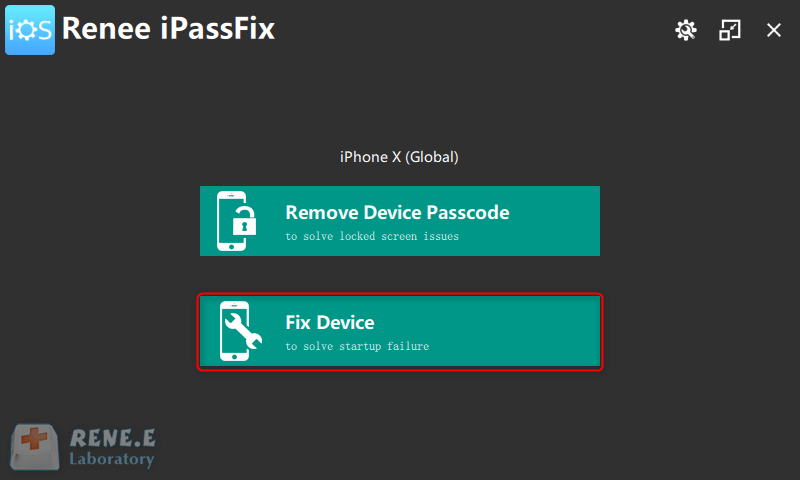
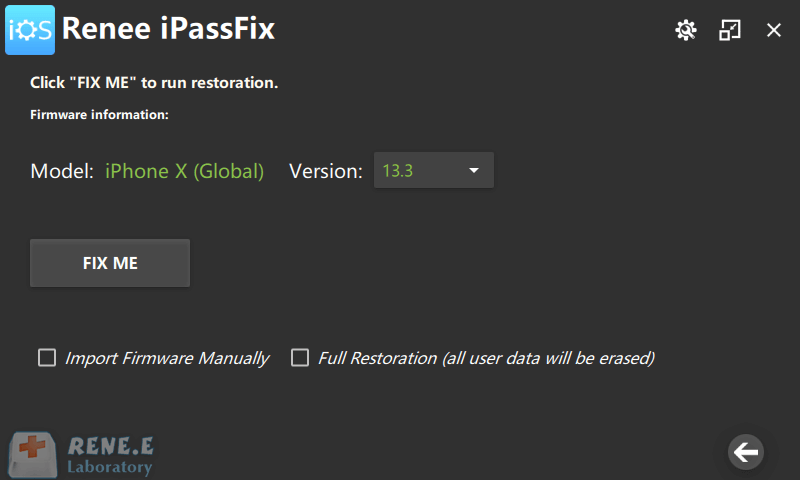
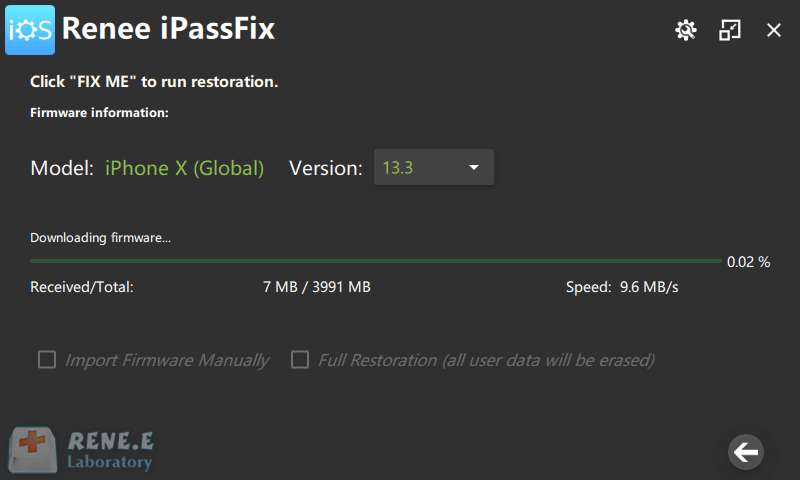
Collecting many useful and overall recovery functions, Renee iPassFix can help you initialize the iPhone when you forgot the password. No need of any professional technology, users can fix iOS devices from errors or remove forgotten iPhone password with Renee iPassFix which is fully compatible with the latest iOS devices and iOS system.
How to Use Renee iPassFix?
Only 3 steps is enough. Here we go:
Relate Links :
iPhone Flashlight not Working Suddenly? Fix with Methods Here.

07-01-2021
Amanda J. Brook : Nowadays, more and more functions are equipped in mobile phone, like taking high quality photos, recording videos, the...
Safari in iPhone Slow to Load Website or Can Not Load
07-01-2021
Jennifer Thatcher : Browser is a main tool for users to get access to Internet. Being a worldwide enterprise, Apple will...


