
Encounter iTunes Error 0xe800002d? How to Solve?

Summary
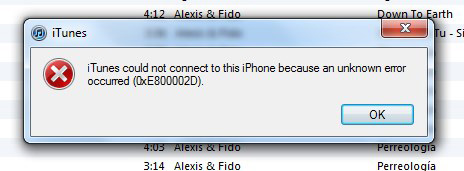
You may receive notification from iTunes with error code 0xe800002d when connecting iOS device to iTunes. How to solve this problem and make it work again? Here we will tell you what 0xe800002d is and how to solve this error.

Remove Passcode Delete the passcode for iOS devices even locked out.
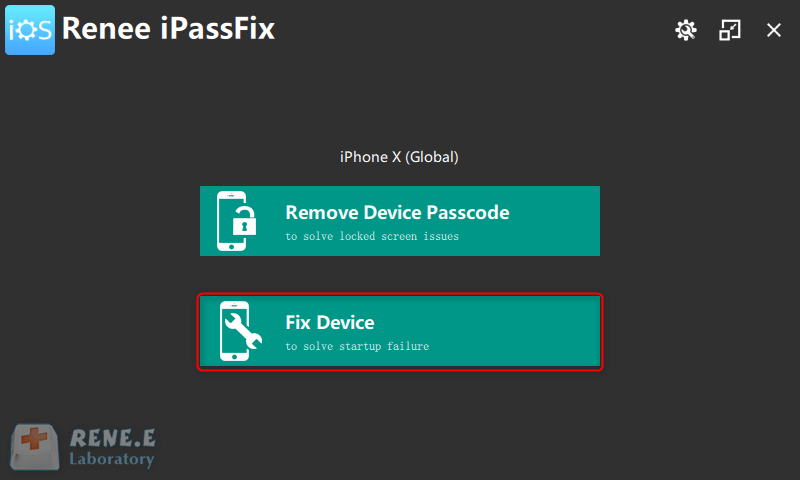
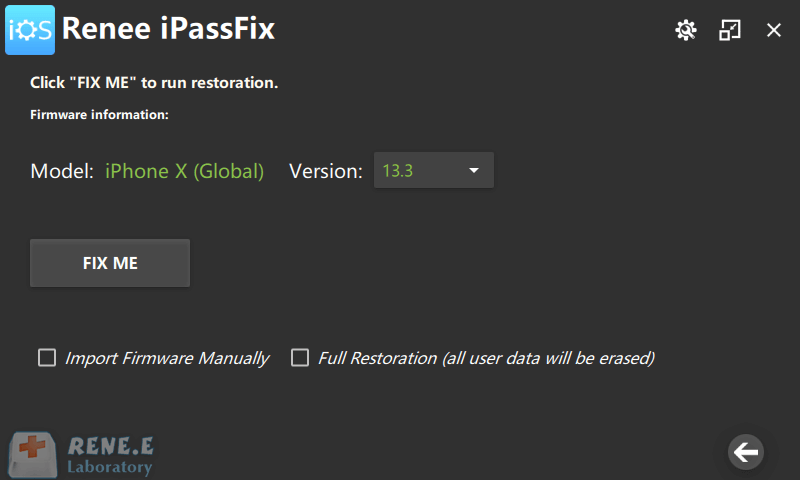
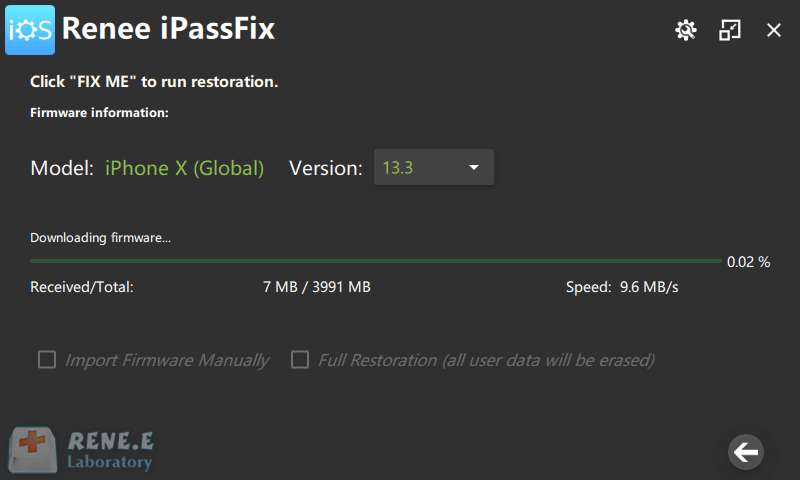
Fix iOS System Failure Recover frozen iOS devices from DFU mode, recovery mode or other system problems.
Factory Reset One click to restore iOS devices to factory status.
Full Support to iOS Devices Compatible with all models of iPhone, iPad and iPod Touch.
Well Compatibility Fully compatible with the latest version of iOS.
Remove Passcode Delete the passcode for iOS devices even locked out.
Well Compatibility Fully compatible with the latest version of iOS.
Full Support to iOS Devices Compatible with all models of iPhone, iPad and iPod Touch.
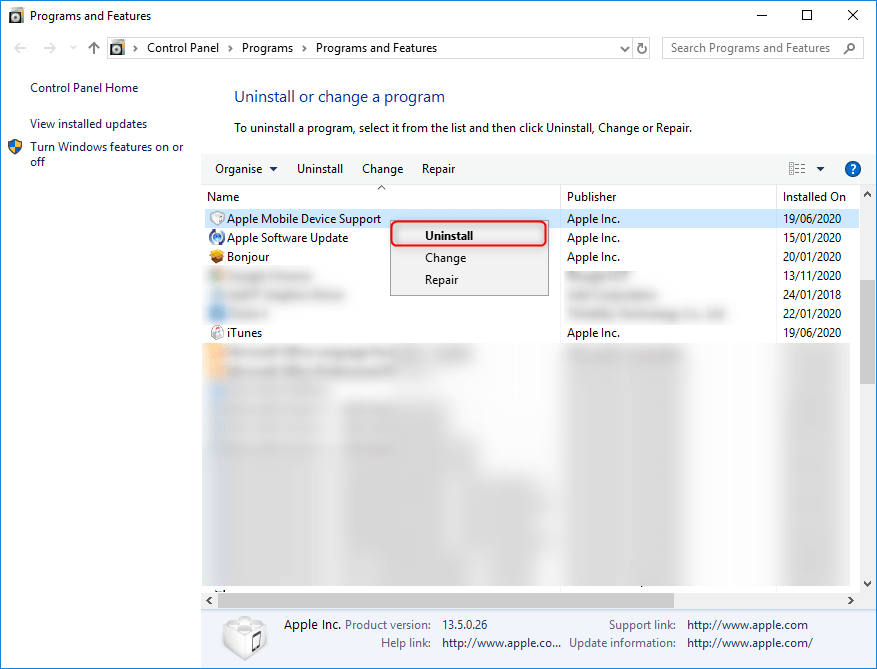
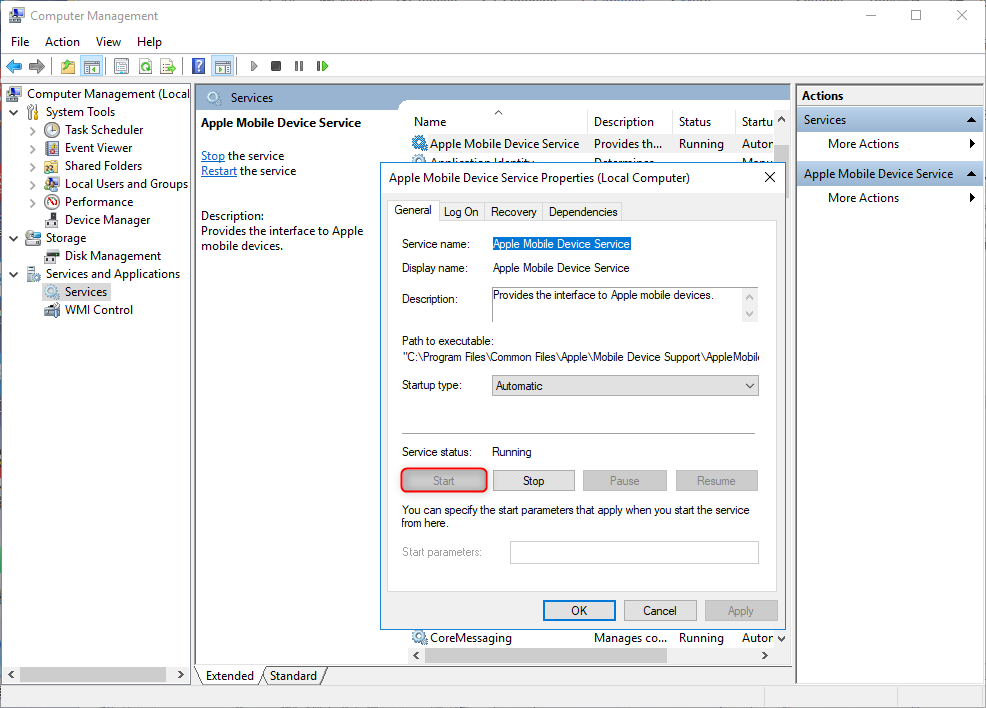
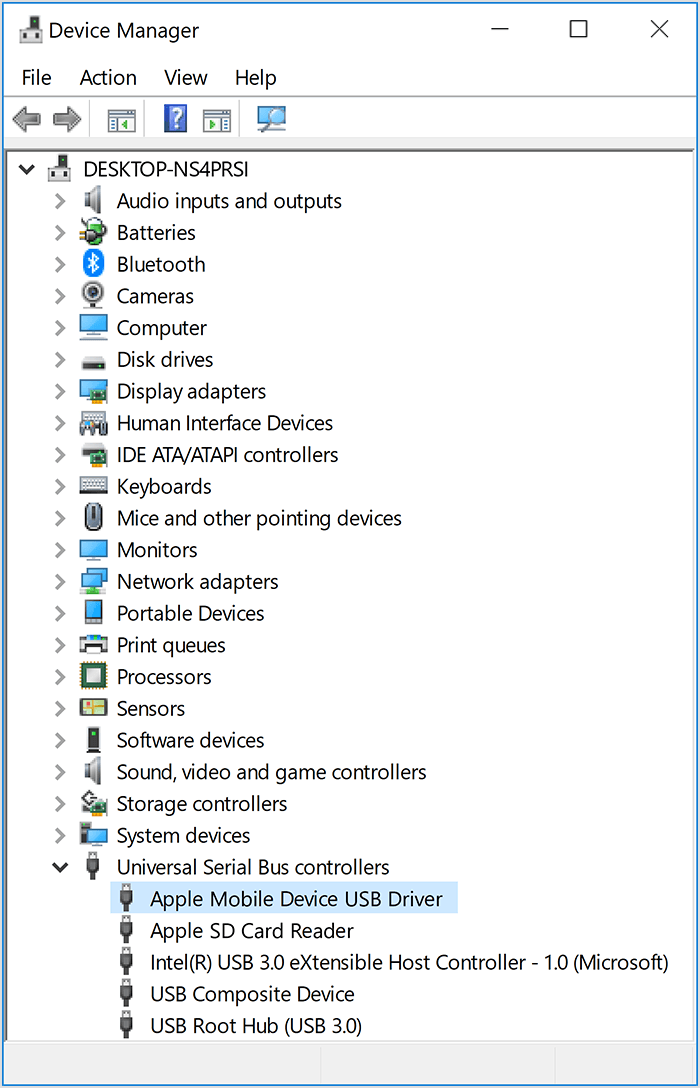
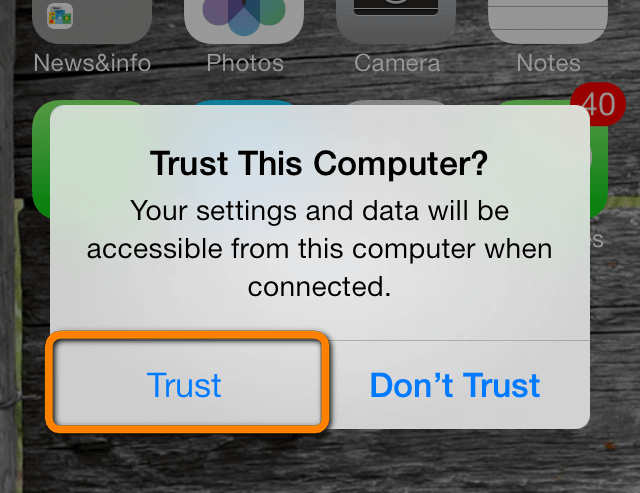
Relate Links :
iPhone Won’t Connect to WiFi? Find Solution Here.

08-01-2021
Amanda J. Brook : Nowadays, WiFi is everywhere and connecting to WiFi can help us save data. However, what if your iPhone...
How to Factory Reset iPhone with Recovery Mode

08-01-2021
Jennifer Thatcher : The goal of factory resetting iPhone with recovery mode is to solve device failure which is caused by...


