
How to Bypass iPhone Passcode When Forgotten

Summary
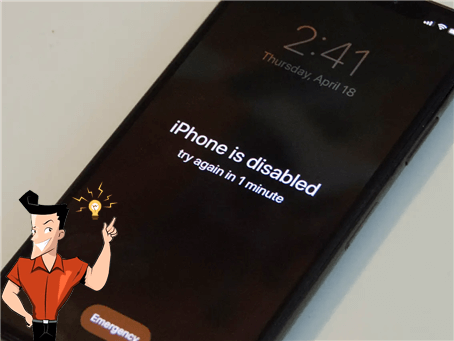
Users can not load into the iPhone without correct lock-screen passcode. However, sometimes iPhone keeps locking even if users enter the correct lock-screen passcode. How to bypass the lock screen-passcode when we encounter these situations? Try solutions in this passage.

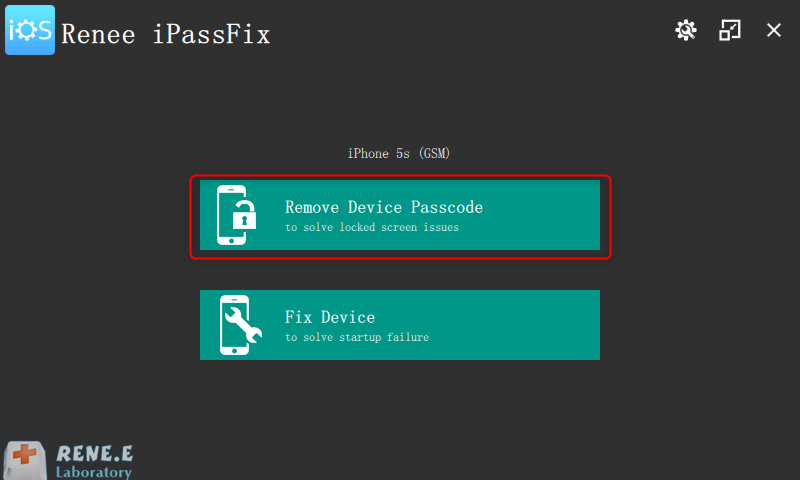
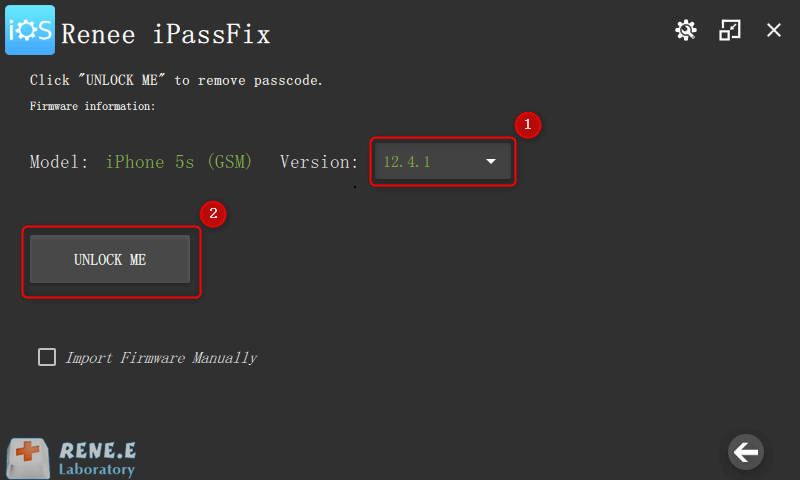
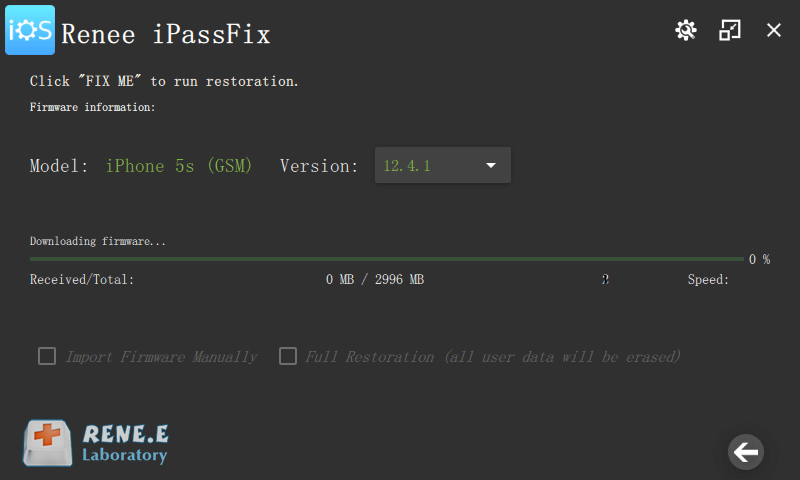
Remove Passcode Delete the passcode for iOS devices even locked out.
Fix iOS System Failure Recover frozen iOS devices from DFU mode, recovery mode or other system problems.
Factory Reset One click to restore iOS devices to factory status.
Full Support to iOS Devices Compatible with all models of iPhone, iPad and iPod Touch.
Well Compatibility Fully compatible with the latest version of iOS.
Remove Passcode Delete the passcode for iOS devices even locked out.
Well Compatibility Fully compatible with the latest version of iOS.
Full Support to iOS Devices Compatible with all models of iPhone, iPad and iPod Touch.
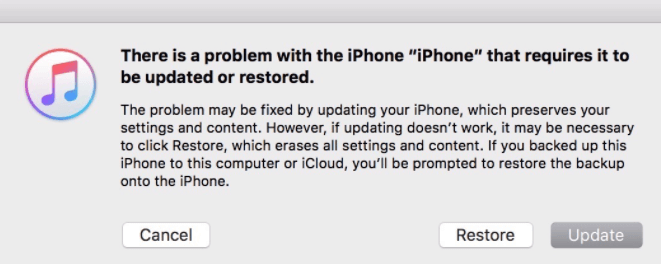
- iPhone 7 and iPhone 7 Plus: Press and hold the Top (or Side) and Volume Down buttons at the same time. Keep holding them until you see the recovery mode screen.
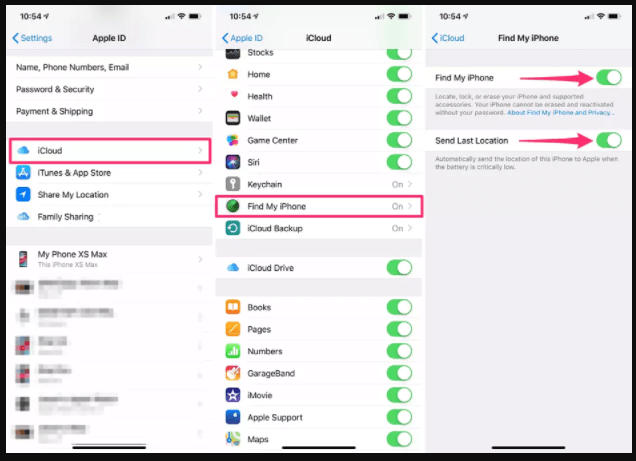
Step 1: Go to icloud.com/#find.
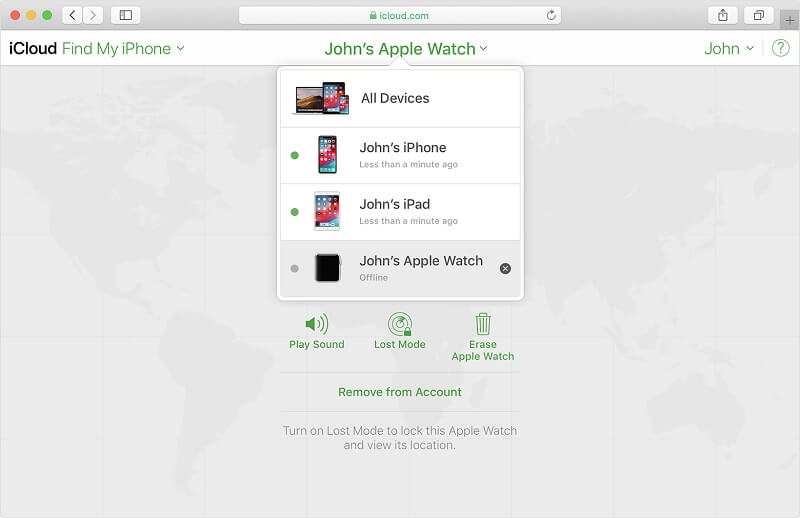
Step 2: Login with the Apple ID which you have login on your device.
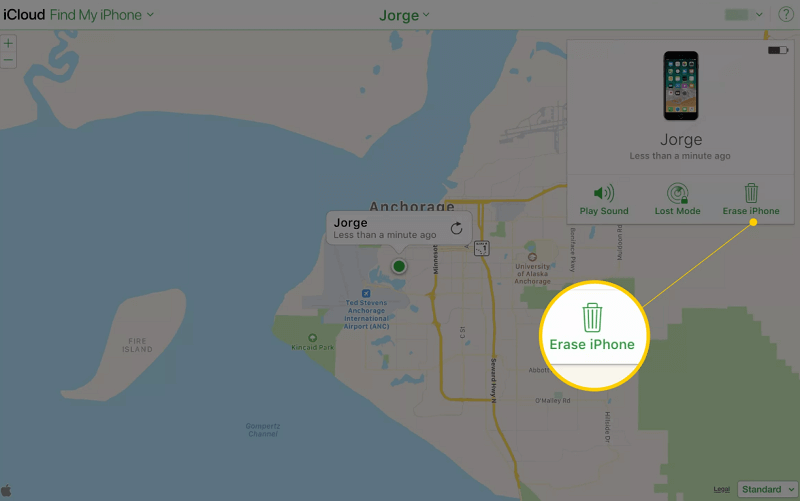
Step 3: Select the target device in the list after clicking [All Devices] in [Find my iPhone].
Relate Links :
How to Change iTunes Backup Location?

02-04-2021
Amanda J. Brook : iTunes is the program, developed by Apple, for multimedia management on Mac OS and Windows OS. Meanwhile, it...
How to Convert HEIC File to Other Formats As Exported from iPhone?

30-03-2021
Jennifer Thatcher : Now, camera is not the only choice for photography. With the update of iOS 11, photos are saved...


