
Solutions to Solve iTunes Error "0xE8000015"

Summary
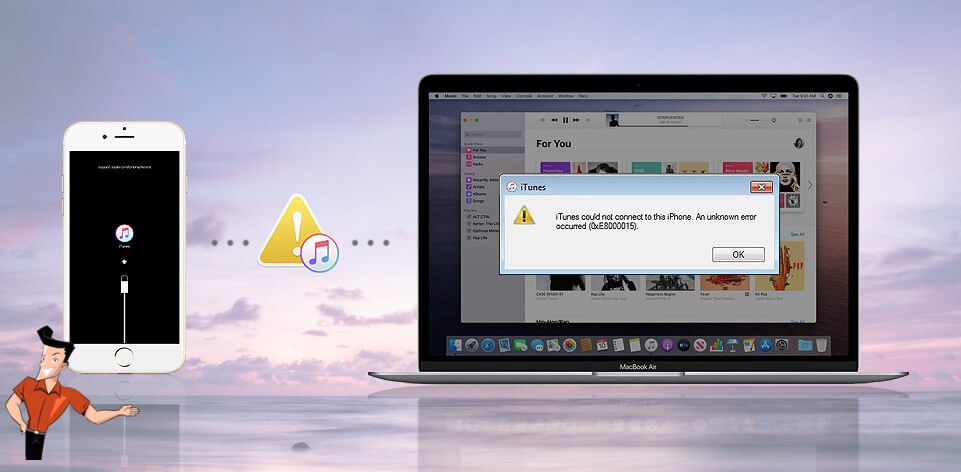
Being the officially recommended software, iTunes is an essential tool when users need to update the iOS, Apps, sync and transfer data on the device. However, the operation of iTunes is not so simple and sometimes users may encounter different errors like 0xE8000015. When we receive a error notification with this code, how to solve it?
Content
1. What does Error 0xE8000015 Represent?
2. Solutions to Fix Error 0xE8000015
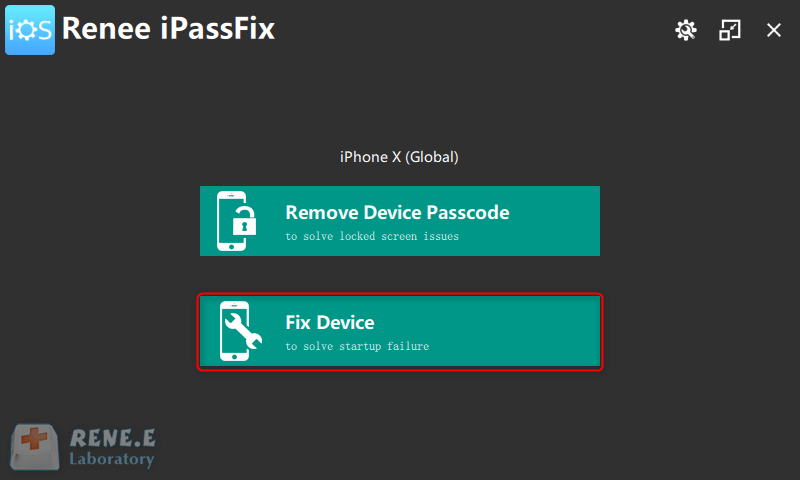
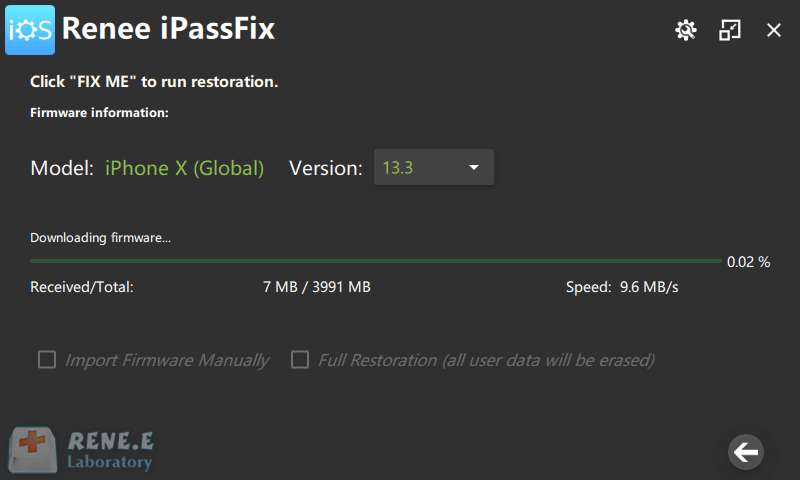
- a. With Renee iPassFix
- b. Update iTunes to the Latest Edition
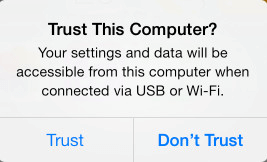
- c. Trust PC
- d. Connect to Another USB Adapter
- e. Check the Network
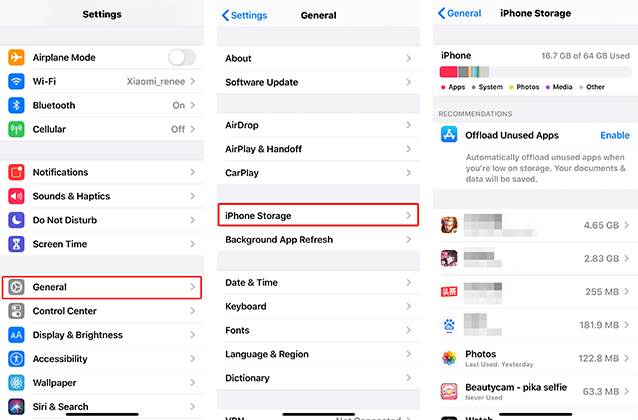
- f. Check the Free Storage in iPhone
- g. Delete the Lockdown Folder
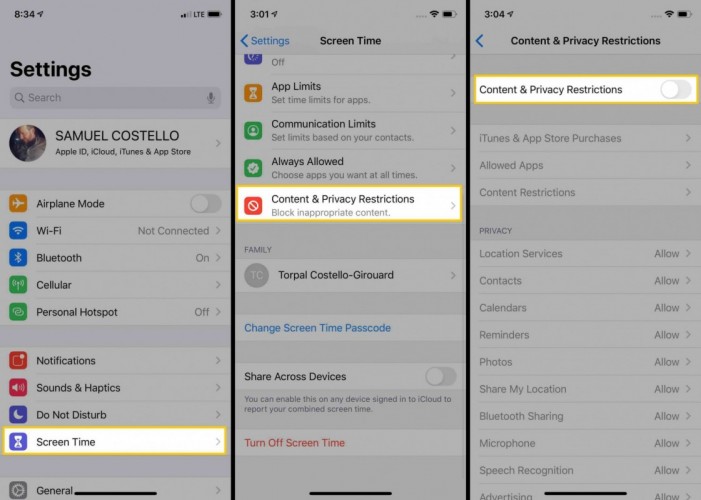
- h. Disable Content & Privacy Restrictions
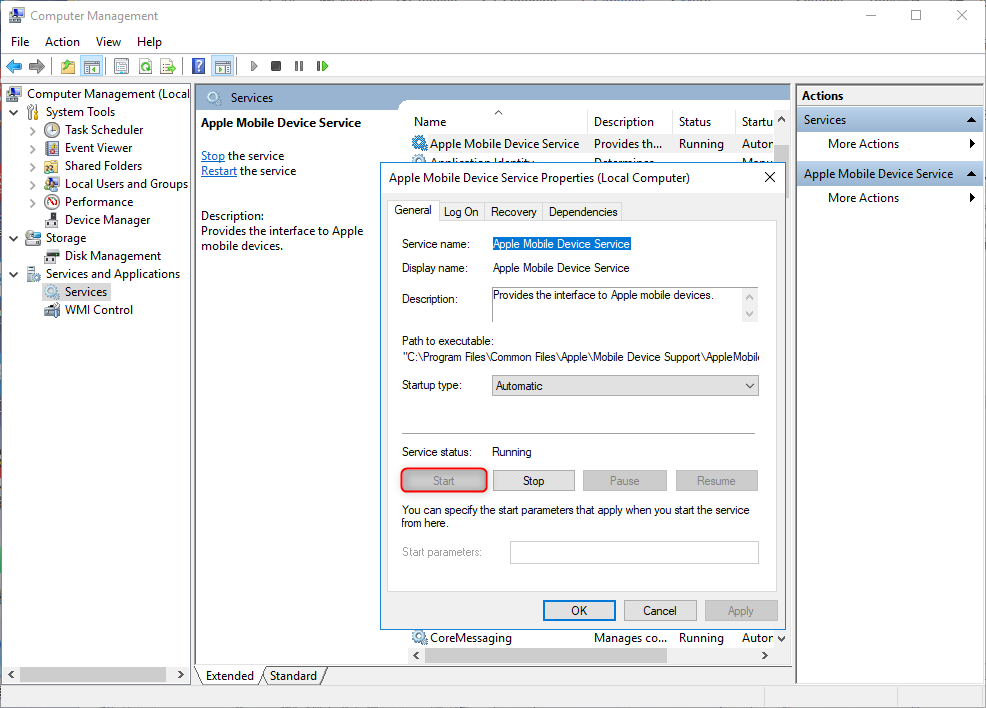
- i. Enable Apple Mobile Device Service and Update Driver Software

Remove Passcode Delete the passcode for iOS devices even locked out.
Fix iOS System Failure Recover frozen iOS devices from DFU mode, recovery mode or other system problems.
Factory Reset One click to restore iOS devices to factory status.
Full Support to iOS Devices Compatible with all models of iPhone, iPad and iPod Touch.
Well Compatibility Fully compatible with the latest version of iOS.
Remove Passcode Delete the passcode for iOS devices even locked out.
Well Compatibility Fully compatible with the latest version of iOS.
Full Support to iOS Devices Compatible with all models of iPhone, iPad and iPod Touch.
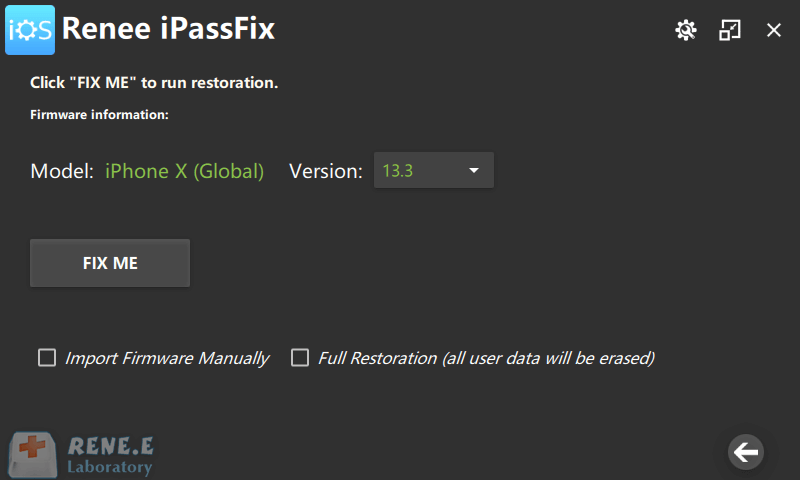
Note: Using the option [Full Restoration] will empty all iPhone data. After the restoration, you can enter the Apple ID and password to reactivate your phone.

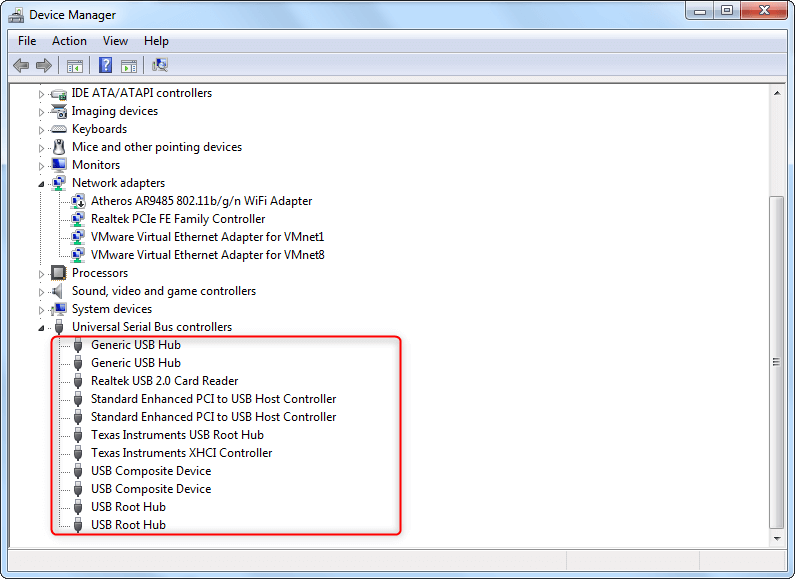
Here is the step: Right-click [Computer], select [Manage] in the menu, go to [Services and Applications] and then [Service]. Find and double-click [Apple Mobile Device Services] on the right side. Then click [Start] and [OK] to turn it on.
Relate Links :
How to Change iTunes Backup Location?

02-04-2021
Amanda J. Brook : iTunes is the program, developed by Apple, for multimedia management on Mac OS and Windows OS. Meanwhile, it...
How to Bypass iPhone Passcode When Forgotten

06-04-2021
Ashley S. Miller : Users can not load into the iPhone without correct lock-screen passcode. However, sometimes iPhone keeps locking even if...


