
Your iPad Won’t Start Suddenly? Find Solution Here!

Summary
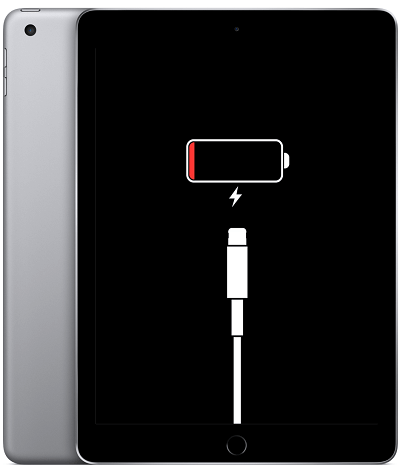
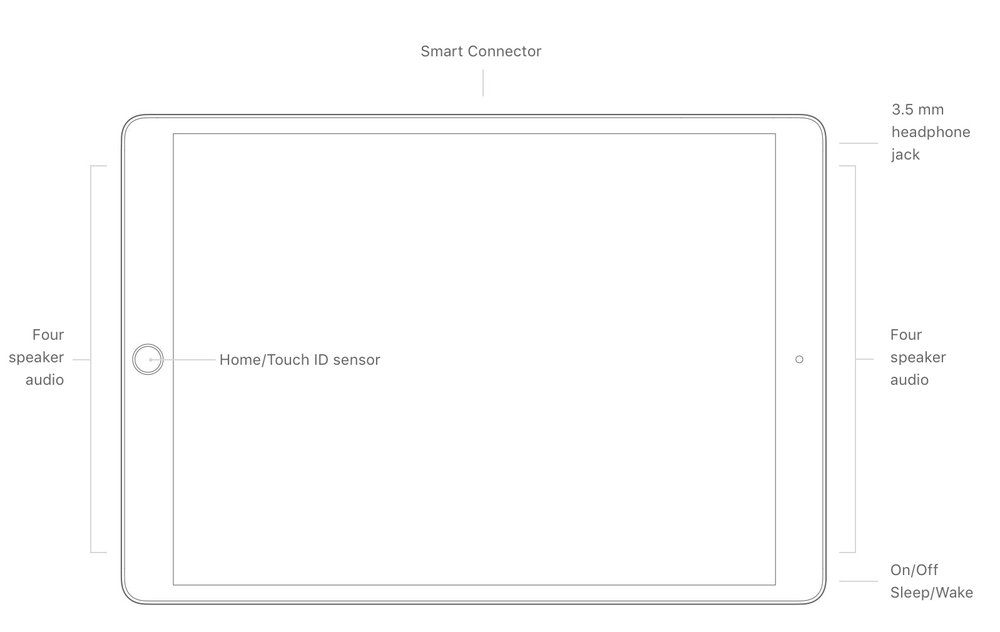
As a product between mobile phone and laptop, iPad allows you to surf news sites, send and receive emails, read e-books, watch videos, play games, etc. Because its screen is larger than the iPhone and smaller than the laptop, the iPad is popular among Apple users in certain usage scenarios requiring portability. However, some users find that their iPad no longer turns on.

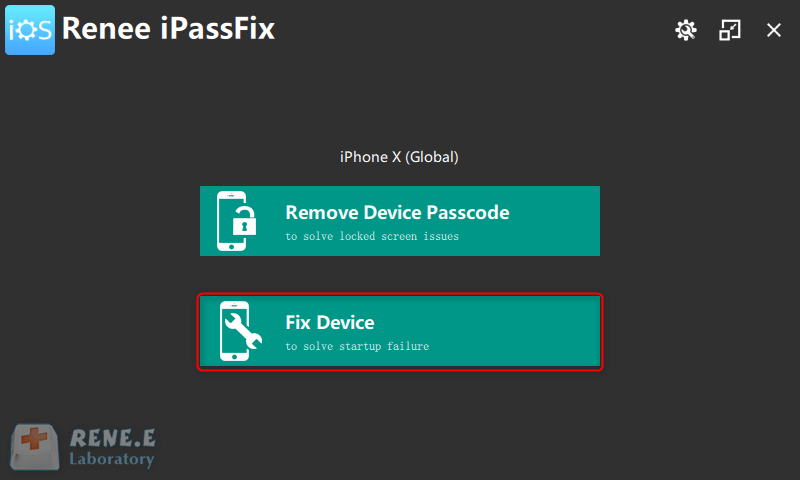
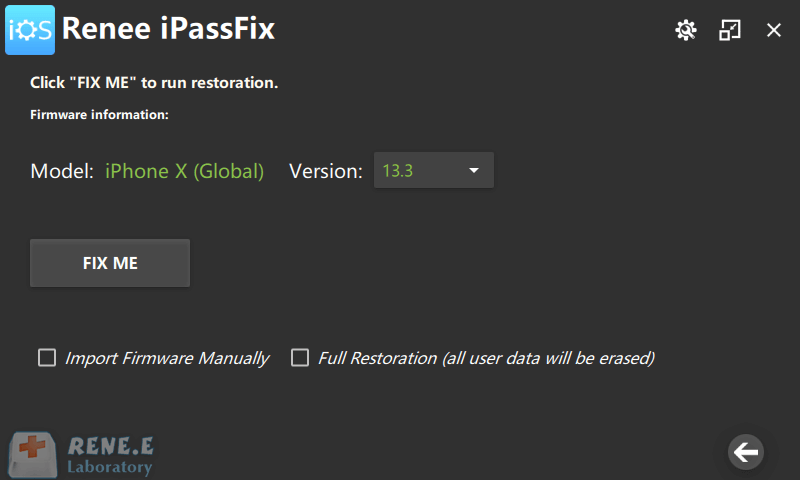
If this method cannot solve the problem that iPad won’t start, it is recommended to use Renee iPassFix to repair the device . If the iPad cannot be repaired properly, the data on the device will be lost. To avoid data loss, it is better to use professional software to repair the iOS device and keep the precious data.

Remove Passcode Delete the passcode for iOS devices even locked out.
Fix iOS System Failure Recover frozen iOS devices from DFU mode, recovery mode or other system problems.
Factory Reset One click to restore iOS devices to factory status.
Full Support to iOS Devices Compatible with all models of iPhone, iPad and iPod Touch.
Well Compatibility Fully compatible with the latest version of iOS.
Remove Passcode Delete the passcode for iOS devices even locked out.
Well Compatibility Fully compatible with the latest version of iOS.
Full Support to iOS Devices Compatible with all models of iPhone, iPad and iPod Touch.

Relate Links :
How to Remove Passcode for iPhone or iPad?

08-01-2021
Jennifer Thatcher : Generally, Apple will release new iPad and iPhone. Once we get new devices, we may place the original...
How to Unlock Passcode for iPhone or iPad?

25-04-2020
Amanda J. Brook : For many iOS users, they prefer to lock iPhone or iPad with Touch ID or Face ID. However,...


