
How to Convert PDF to Base64: Methods and Tools

Summary
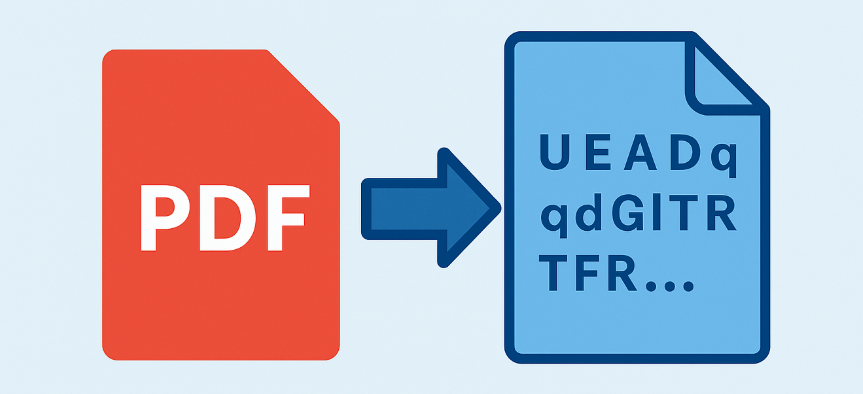
This guide examines several professional methods to convert pdf to base64 for use in web applications and data storage. It categorizes solutions into web-based converters, programmatic implementations across various languages, and secure desktop software. The technical details focus on file size management, privacy considerations, and implementation strategies for developers and general users. Each approach facilitates the safe embedding of document data into text-based formats such as JSON and API requests.


| Tool | Processing Method | File Size Limits | Privacy Level | Key Strength |
|---|---|---|---|---|
Base64 Guru |
In‑browser (no upload) |
~50 MB |
High — files never leave your device |
Fast, secure, and extremely simple |
Aspose PDF Converter |
Server‑side upload |
Larger files supported |
Low–Medium — files stored temporarily on servers |
Batch conversion and multi‑format support |
Base64Encode.org |
Server‑side upload |
Large Base64 outputs become downloadable links |
Medium — temporary server storage |
Lightweight and easy for quick tasks |
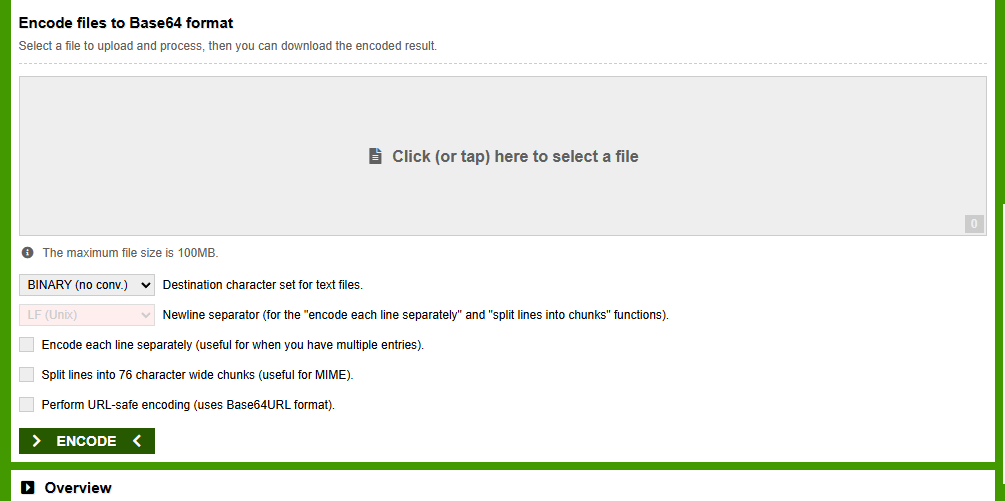
- Visit the site and upload your PDF.
- The tool processes it in the browser or on the server.
- You get the full Base64 string displayed for copying, or a download link for a text file.
- No software installation needed
- Instant results
- Completely free for basic use
- Simple drag-and-drop interface
Disadvantages:
- File size restrictions
- Privacy risk from uploading
- Dependent on internet speed
- No batch processing in free tiers
| Service | Processing Method | Privacy Level | Integration Style | Best For |
|---|---|---|---|---|
Aspose Cloud API |
Server-side (REST API) |
Medium (uploads required) |
REST API + SDKs (C#, Java, Python) |
Enterprise apps, batch processing, multi-format support |
ConvertAPI |
Server-side (REST API) |
Medium |
Simple HTTP POST + SDKs |
Quick integration, large files, multiple formats |
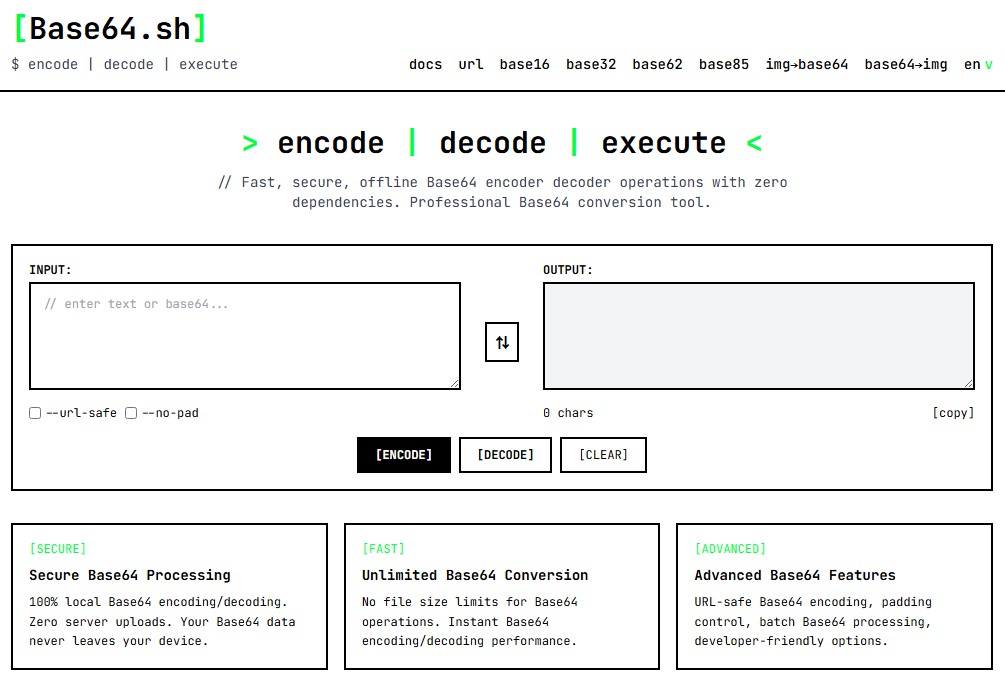
Base64.sh |
100% client-side |
High (no uploads) |
JavaScript SDK + API |
Privacy-first apps, local encoding |
Base64.is |
Client-side only |
High |
Minimalist JS API |
Security-sensitive use cases |
CyberChef |
Client-side (open-source) |
High |
No hosted API (local only) |
Advanced workflows, offline use |
- Supports automation and scripting
- Higher size limits for registered users
- Ideal for integration into applications
- Batch capabilities available
Disadvantages:
- Often requires API keys or payment
- Still involves server upload
- Setup and learning curve
- Potential rate limits on free plans
| Language | Library/Method | Key Features | Example Use Case |
|---|---|---|---|
Python |
base64.b64encode |
Simple, built-in, no extra installs |
Scripting and automation |
JavaScript |
btoa() for strings, FileReader for files |
Browser or Node.js compatible |
Web apps and file uploads |
Java |
java.util.Base64 |
Built-in since Java 8 |
Enterprise applications |
C# |
Convert.ToBase64String |
.NET native, easy file handling |
Windows desktop or web services |
Node.js |
Buffer.from().toString('base64') |
Fast with streams for large files |
Server-side processing |
import base64
# Replace with your actual file path, e.g., 'C:/Users/YourName/Documents/invoice.pdf' or '/home/user/documents/report.pdf'
with open("document.pdf", "rb") as pdf_file:
base64_string = base64.b64encode(pdf_file.read()).decode('utf-8')
print(base64_string)
const fileInput = document.querySelector('input[type=file]');
fileInput.onchange = async (e) => {
const file = e.target.files[0];
const base64 = await fileToBase64(file);
console.log(base64);
};
function fileToBase64(file) {
return new Promise((resolve, reject) => {
const reader = new FileReader();
reader.readAsDataURL(file);
reader.onload = () => resolve(reader.result.split(',')[1]);
reader.onerror = error => reject(error);
});
}
const fs = require('fs');
// Replace with your actual file path, e.g., '/home/user/documents/report.pdf'
const base64 = fs.readFileSync('document.pdf').toString('base64');
console.log(base64);
const fs = require('fs');
// Create a read stream for the PDF file
const stream = fs.createReadStream('document.pdf');
// Collect chunks of data
let chunks = [];
stream.on('data', (chunk) => {
chunks.push(chunk);
});
stream.on('end', () => {
// Combine all chunks into a single Buffer
const pdfBuffer = Buffer.concat(chunks);
// Convert to Base64
const base64 = pdfBuffer.toString('base64');
console.log(base64);
});
stream.on('error', (err) => {
console.error('Error reading file:', err);
});
- Complete privacy—no uploads needed
- No practical file size limits
- Full customization and automation
- Easy integration into projects and scripts
Disadvantages:
- Requires programming knowledge
- Initial coding and testing time
- Potential memory issues with extremely large files
- Debugging required for edge cases

Convert to Editable Word/Excel/PPT/Text/Image/Html/Epub
Multifunctional Encrypt/decrypt/split/merge/add watermark
OCR Support Extract Text from Scanned PDFs, Images & Embedded Fonts
Quick Convert dozens of PDF files in batch
Compatible Support Windows 11/10/8/8.1/Vista/7/XP/2K
Convert to Editable Word/Excel/PPT/Text/Image/Html/Epub
OCR Support Extract Text from Scanned PDFs, Images & Embedded
Support Windows 11/10/8/8.1/Vista/7/XP/2K
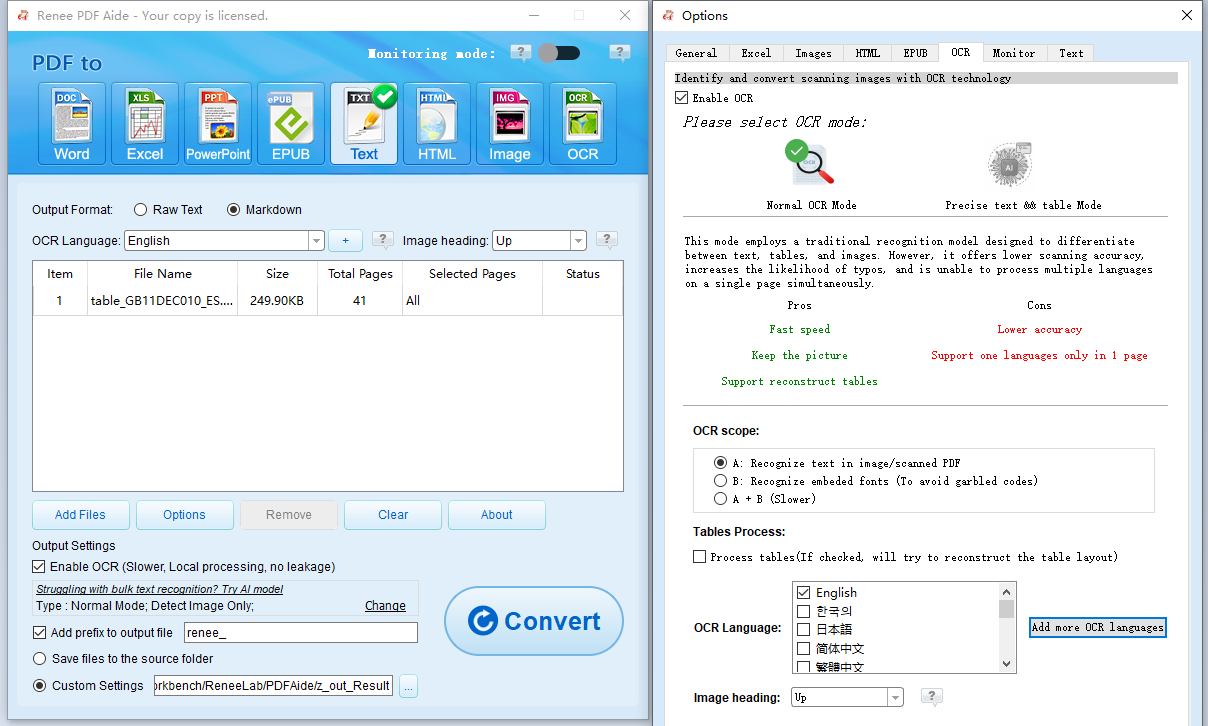
- Command-line tools (certutil on Windows, base64 on Unix systems)
- Simple apps like Base64 Encoder from the Microsoft Store
- Open-source encoders that accept drag-and-drop files
What exactly does converting a PDF to Base64 do?
Are online converters safe for confidential PDFs?
How can I handle very large PDF files?
Can I convert the Base64 string back to the original PDF?
Why is my Base64 string so long?
Do I need special software for batch conversions?
Convert to Editable Word/Excel/PPT/Text/Image/Html/Epub
Multifunctional Encrypt/decrypt/split/merge/add watermark
OCR Support Extract Text from Scanned PDFs, Images & Embedded Fonts
Quick Convert dozens of PDF files in batch
Compatible Support Windows 11/10/8/8.1/Vista/7/XP/2K
Convert to Editable Word/Excel/PPT/Text/Image/Html/Epub
OCR Support Extract Text from Scanned PDFs, Images & Embedded
Support Windows 11/10/8/8.1/Vista/7/XP/2K
Relate Links :
How to Compress PDF for Email: Practical Options from Quick Fixes to Professional Tools

11-02-2026
Jennifer Thatcher : This article explains how to compress PDF for email using a range of solutions, from free online tools...
How to Edit Bank Statement in Excel: Convert PDF to Editable Spreadsheet Easily

17-01-2026
John Weaver : Learn how to edit bank statements in Excel by converting PDFs for easier organization and analysis. This guide...
Best Multiple PDF to Excel Converters : From Online Platforms to Desktop Apps
24-11-2025
Jennifer Thatcher : In daily office work, converting dozens or even thousands of table-heavy PDF files into Excel is a common...
Save Time: Convert Multiple PDFs to Word for Business and Academic Work
22-11-2025
Jennifer Thatcher : Discover the fastest, most reliable methods to convert multiple PDFs into Word documents in just seconds. This comprehensive...



User Comments
Leave a Comment