
How to Convert Multilingual Handwritten Notes to Word Using OCR

Summary
This guide outlines the technical processes and software solutions required to convert multilingual handwritten notes to Word using optical character recognition. It evaluates both cloud-based AI models and local desktop applications, detailing image preparation, language settings, and batch processing capabilities for optimal transcription accuracy.

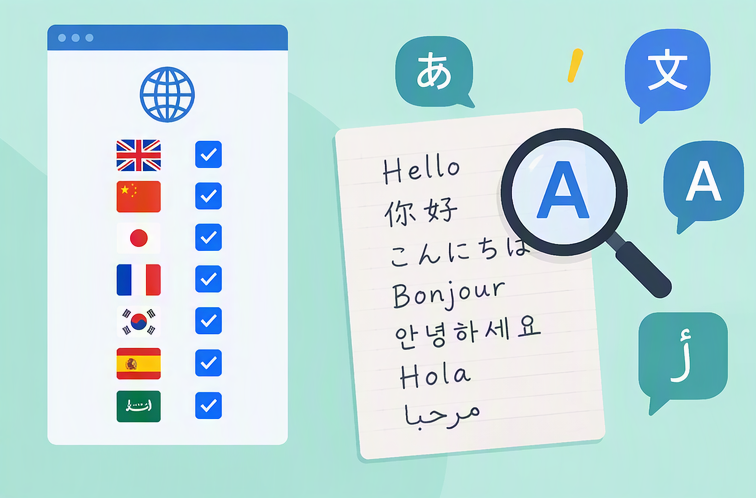

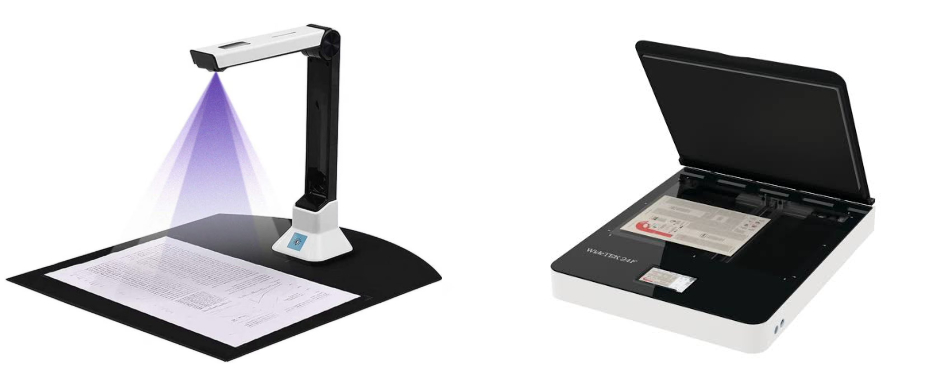
| Factor | Good sign | Risk sign | Action |
|---|---|---|---|
Blur/lighting |
Sharp, evenly lit text |
Shadows, low contrast, faded ink |
Rescan or adjust image brightness |
Cursive vs. print |
Mostly printed letters |
Heavy cursive or connected strokes |
Use a stronger OCR mode or reprint |
Single vs. mixed language |
One script per page |
Multiple scripts in the same line |
Select all languages or split the page |
Image vs. scanned PDF |
300 DPI scan or clear photo |
Low-resolution or compressed image |
Re-export at higher quality |
Page layout |
Straight lines, clear margins |
Tilted text, tight spacing, colored backgrounds |
Crop, rotate, or improve contrast |
- Good at interpreting messy mixed-language handwriting
- No installation required
- Can output clean text with simple prompts
Disadvantages:
- Uploads files to external servers
- Accuracy varies with cursive and complex layouts
- May require manual copy/paste or cleanup

Convert to Editable Convert to Word/Excel/PPT/Text/Image/Html/Epub
Multifunctional Encrypt/decrypt/split/merge/add watermark
OCR Support Extract Text from Scanned PDFs, Images & Embedded Fonts
Quick Convert dozens of PDF files in batch
Compatible Support Windows 11/10/8/8.1/Vista/7/XP/2K
Convert to Editable Word/Excel/PPT/Text/Image/Html/Epub
OCR Support Extract Text from Scanned PDFs, Images & Embedded
Support Windows 11/10/8/8.1/Vista/7/XP/2K
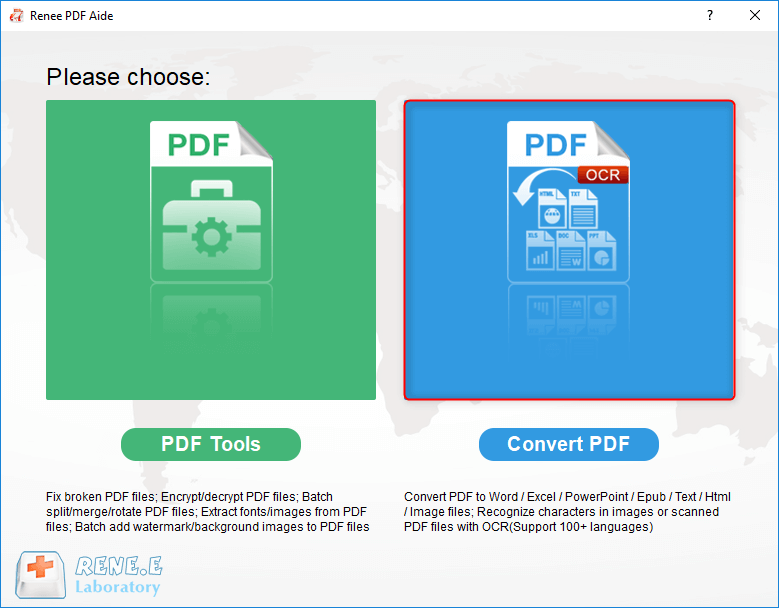
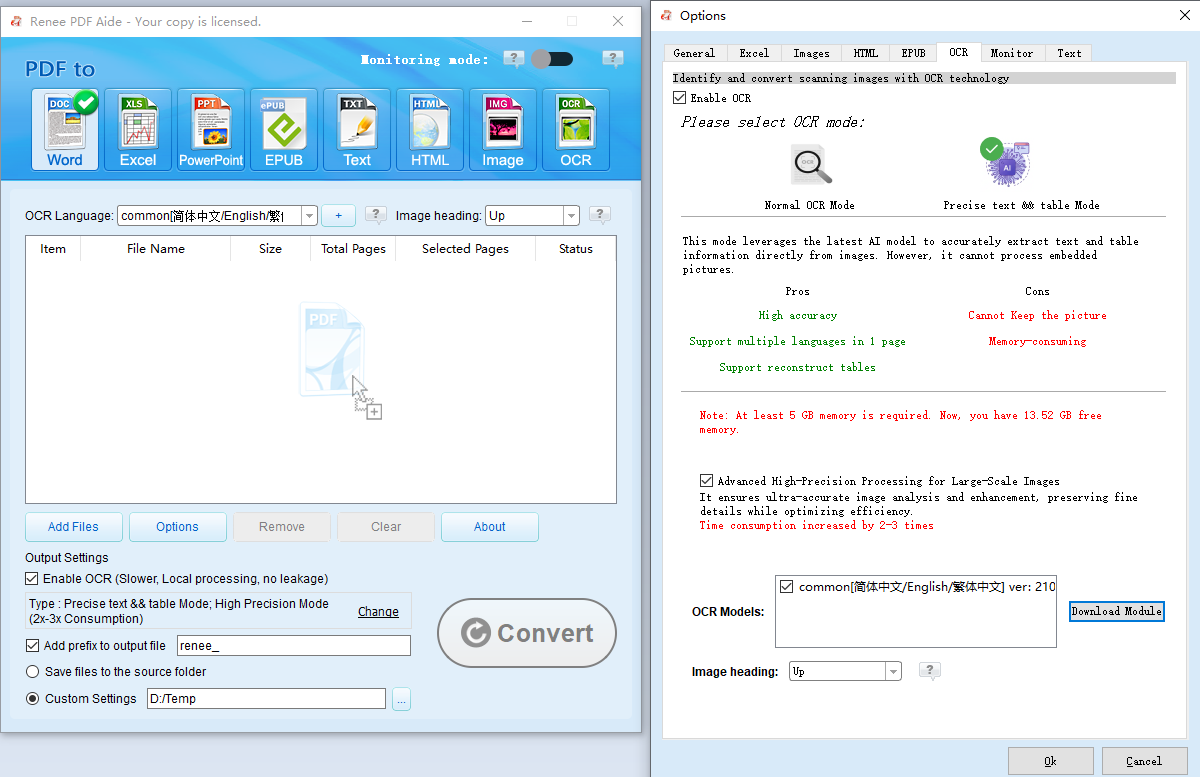

- Works completely offline for sensitive notes
- Batch conversion for multiple pages
- Advanced OCR for scanned images and embedded fonts
- Broad format support including Word, Excel, and Markdown
Disadvantages:
- Windows only
- Paid after trial
- Advanced OCR mode can be slower
Can OCR recognize mixed languages in a single handwritten note?
What image quality is required for accurate handwriting OCR?
Does Renee PDF Aide work completely offline?
Relate Links :
Convert Your Handwritten Text to Text Easily

18-02-2024
Amanda J. Brook : Learn how to convert handwritten text into digital text effortlessly using OCR technology, saving time and increasing work...
Step-by-Step: Edit Text in Scanned PDF with Desktop Software
01-08-2026
Amanda J. Brook : This guide provides a step-by-step walkthrough for editing text in scanned PDFs using offline desktop software. It details...
Free OCR Software: Unlock Easy and Efficient Text Recognition
26-05-2024
Amanda J. Brook : Discover how to transform images into text with top-rated, free OCR software and follow our detailed conversion guide.
How to Effortlessly Delete PDF Pages?
24-05-2024
Amanda J. Brook : How to delete PDF pages? Master efficient PDF deletion, merging, and conversion with professional tools, detailed guides, and...



User Comments
Leave a Comment