
How to Use the Attrib Command to Unhide Pen Drive Files

Summary
This guide details the precise syntax and execution steps for the attrib command unhide pen drive files, addressing common causes such as shortcut viruses or accidental attribute changes. It also outlines alternative data recovery solutions when file attributes are not the root cause of missing data.

attrib utility can remove those attributes and make your files visible again.
attrib -h -r -s /s /d X:\*.*
X with the actual drive letter assigned to your pen drive in This PC. Never guess the letter.
-h removes the Hidden attribute
-r removes the Read-only attribute
-s removes the System attribute
/s applies the changes to all files in subfolders
/d includes folders/directories
X:\*.* targets all files and folders on the specified drive
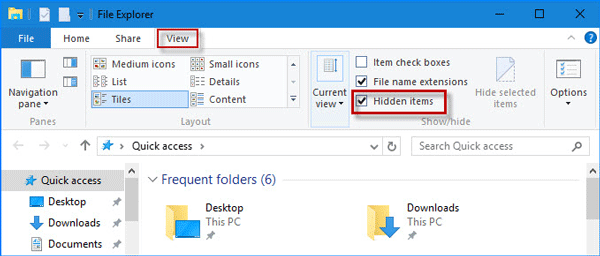
| Cause | Description |
|---|---|
Shortcut Virus |
Malware hides files and replaces them with |
Accidental Hide |
Files were manually set to "Hidden" or "System" attributes. |
Antivirus Cleanup |
Antivirus removed the virus but left the hidden attributes untouched. |
attrib command only changes file attributes. If your pen drive has been formatted, files have been deleted, or the drive is corrupted, attrib won’t bring your data back. In these cases, Renee Undeleter is your next step.

Easy to use Only simple steps to recover data from storage devices.
Multiple scan modes Fast partition scan, whole partition scan and whole disk scan for different recovery needs.
File types Support to recover pictures, videos, audios, documents, mails, etc.
Supported storage devices Recover data from recycle bin, SD card, external disk, etc.
Supported systems Windows 11,10, 8.1, 8, 7, Vista, XP, 2000 and Mac OS X10.6, 10.7, 10.8+.
Easy to use Only simple steps to recover data from storage devices.
Multiple scan modes - 3 scan modes for different recovery needs.
Supported storage devices Recover data from recycle bin, SD card, external disk, etc.
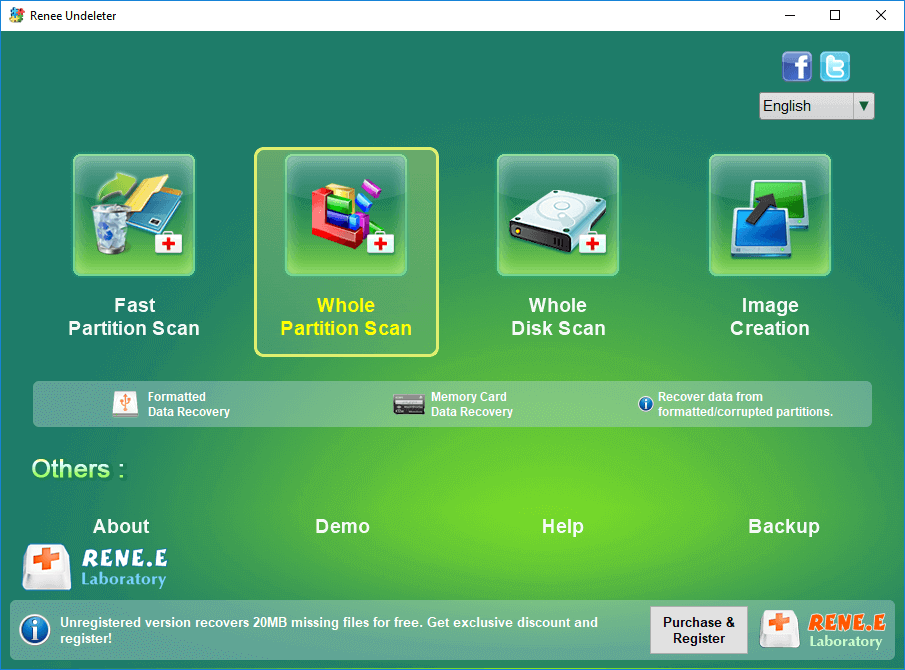
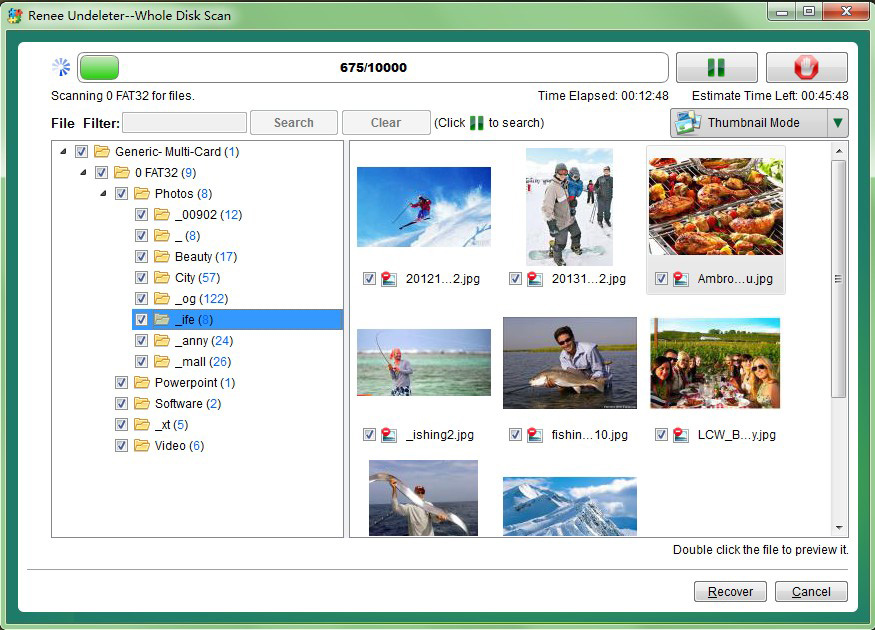
- Multiple scan modes for different data loss scenarios
- Supports over 400 file formats
- Supports FAT, FAT32, exFAT, NTFS, macOS, and Linux file systems
- User-friendly interface
- Image Creation for byte-to-byte backups
Disadvantages:
- Must be installed on a different drive from the one being recovered
- Severely overwritten data may not be recoverable
attrib doesn’t restore your files, download Renee Undeleter and run a scan:


Is the attrib command safe to run on a pen drive?
C:. Always confirm the pen drive letter before running the command.
What should I do if I get an 'Access denied' error?
cmd.
attrib command again.
Easy to use Only simple steps to recover data from storage devices.
Multiple scan modes Fast partition scan, whole partition scan and whole disk scan for different recovery needs.
File types Support to recover pictures, videos, audios, documents, mails, etc.
Supported storage devices Recover data from recycle bin, SD card, external disk, etc.
Supported systems Windows 11,10, 8.1, 8, 7, Vista, XP, 2000 and Mac OS X10.6, 10.7, 10.8+.
Easy to use Only simple steps to recover data from storage devices.
Multiple scan modes - 3 scan modes for different recovery needs.
Supported storage devices Recover data from recycle bin, SD card, external disk, etc.
Relate Links :
Hidden vs Deleted Files on a Pen Drive: How to Tell Them Apart and Recover Each
24-09-2026
John Weaver : This guide explains the technical differences regarding hidden files vs deleted files on pen drive, focusing on storage...
Lost Files After Cut and Paste in Windows? 5 Fast Ways to Recover

15-07-2025
Amanda J. Brook : Learn how to recover cut files in Windows quickly using five proven methods. This guide helps users restore...
9 Methods to Recover Deleted Files After a Windows Update
25-06-2025
John Weaver : Learn reliable and effective ways to recover deleted files after Windows update. This guide covers trusted software tools...
Sony XQD Card Data Recovery: A Comprehensive Guide

22-09-2024
Ashley S. Miller : Sony XQD cards are known for their reliability and performance, making them popular among photographers and videographers. Despite...



User Comments
Leave a Comment