
Recover Photos from Your Sony Camera: Bring Back the Moments That Matter

Summary
You didn't brave wind, rain, or midnight shoots for nothing. Whether it’s a once-in-a-lifetime sunset or a split-second smile, this guide shows you how to recover photos from your Sony camera — including RAW, JPEG, and HEIF formats. Explore trusted recovery methods to restore MP4 and MXF videos as well, and make sure the moments you worked so hard to capture never slip away.


Table of contents

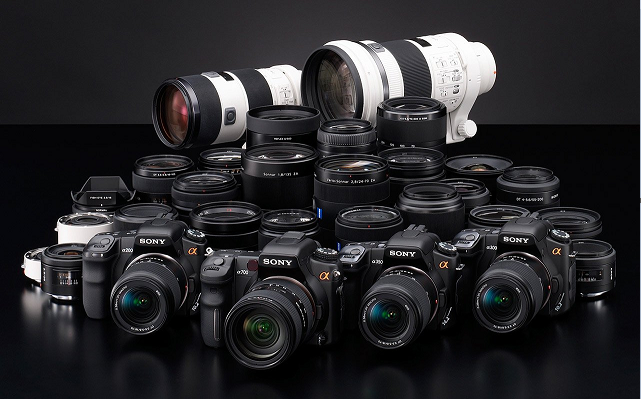
| Model | Key Features | Memory Cards | Photo Formats | Video Formats |
|---|---|---|---|---|
Sony A1 II |
50MP Full-Frame, 8K 30p, 4K 120p, 30fps burst, AI tracking |
CFexpress Type A + SD UHS-II |
RAW, JPEG, HEIF |
XAVC S, XAVC HS, XAVC-I |
Sony A7 IV |
33MP Full-Frame, 4K 60p (Super35), Real-time Eye AF, 10-bit video |
CFexpress Type A + SD UHS-II |
RAW, JPEG, HEIF |
XAVC S, XAVC HS, XAVC-I |
Sony A7R V |
61MP Full-Frame, 8K 24p, Pixel Shift, AI-based subject tracking |
CFexpress Type A + SD UHS-II |
RAW, JPEG, HEIF |
XAVC S, XAVC HS, XAVC-I |
Sony FX3 |
Full-Frame Cinema, 4K 120p, Active cooling, S-Cinetone, compact body |
CFexpress Type A + SD UHS-II |
RAW, JPEG |
XAVC S, XAVC S-I, XAVC HS |
Sony FX30 |
APS-C Cinema, 4K 120p, S-Log3, LUT support, budget-friendly cinema option |
CFexpress Type A + SD UHS-II |
RAW, JPEG |
XAVC S, XAVC S-I, XAVC HS |
Sony ZV-E1 |
Full-Frame Vlogging, 4K 120p, AI framing, compact design |
SD UHS-II |
RAW, JPEG, HEIF |
XAVC S, XAVC HS |
Sony A9 III |
24.6MP Global Shutter, 120fps burst, 4K 120p, blackout-free EVF |
CFexpress Type A + SD UHS-II |
RAW, JPEG, HEIF |
XAVC S, XAVC HS, XAVC-I |
Sony FS7 |
Super 35mm, 4K DCI/UHD, 180fps HD, broadcast-ready, interchangeable lenses |
Dual XQD + SD |
JPEG (limited stills) |
XAVC-I, XAVC-L, MPEG HD 422, Apple ProRes |
- CFexpress Type A is Sony’s go-to for high-speed recording in newer Alpha and Cinema models.
- XAVC-I is intraframe (higher quality), while XAVC-L is long-GOP (more efficient).
- FS7 is more video-centric — stills are limited and mostly for thumbnails or metadata.
- HEIF is supported on newer models for high-efficiency photo storage with better color depth.

Easy to use Only simple steps to recover data from storage devices.
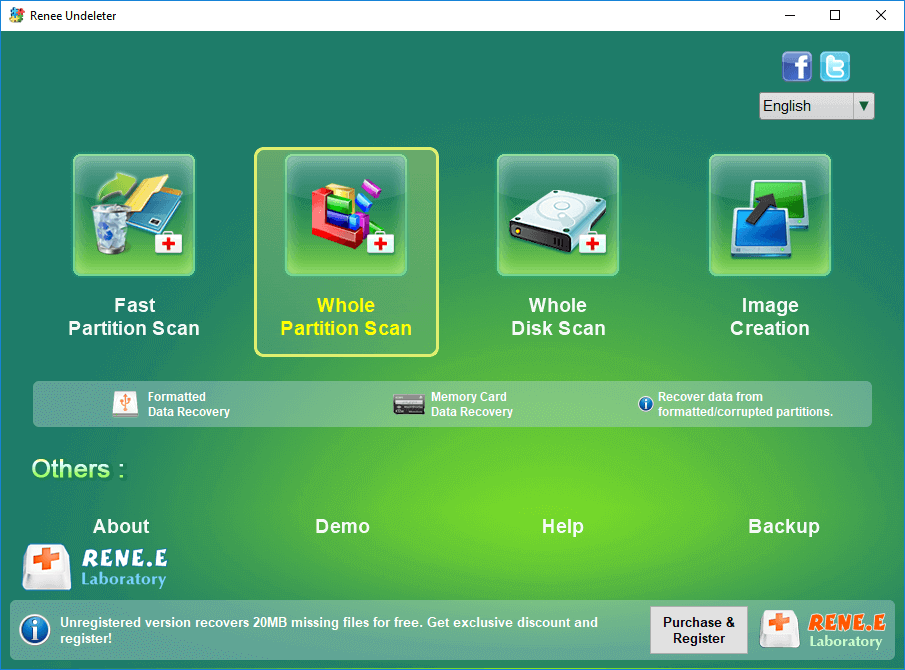
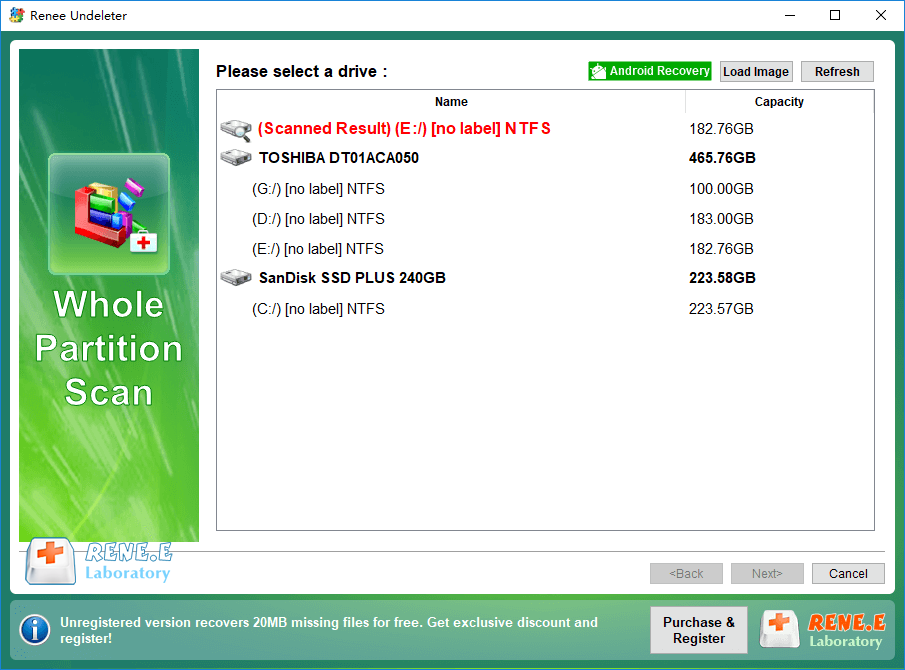
Multiple scan modes Fast partition scan, whole partition scan and whole disk scan for different recovery needs.
File types Support to recover pictures, videos, audios, documents, mails, etc.
Supported storage devices Recover data from recycle bin, SD card, external disk, etc.
Supported systems Windows 11,10, 8.1, 8, 7, Vista, XP, 2000 and Mac OS X10.6, 10.7, 10.8+.
Easy to use Only simple steps to recover data from storage devices.
Multiple scan modes - 3 scan modes for different recovery needs.
Supported storage devices Recover data from recycle bin, SD card, external disk, etc.
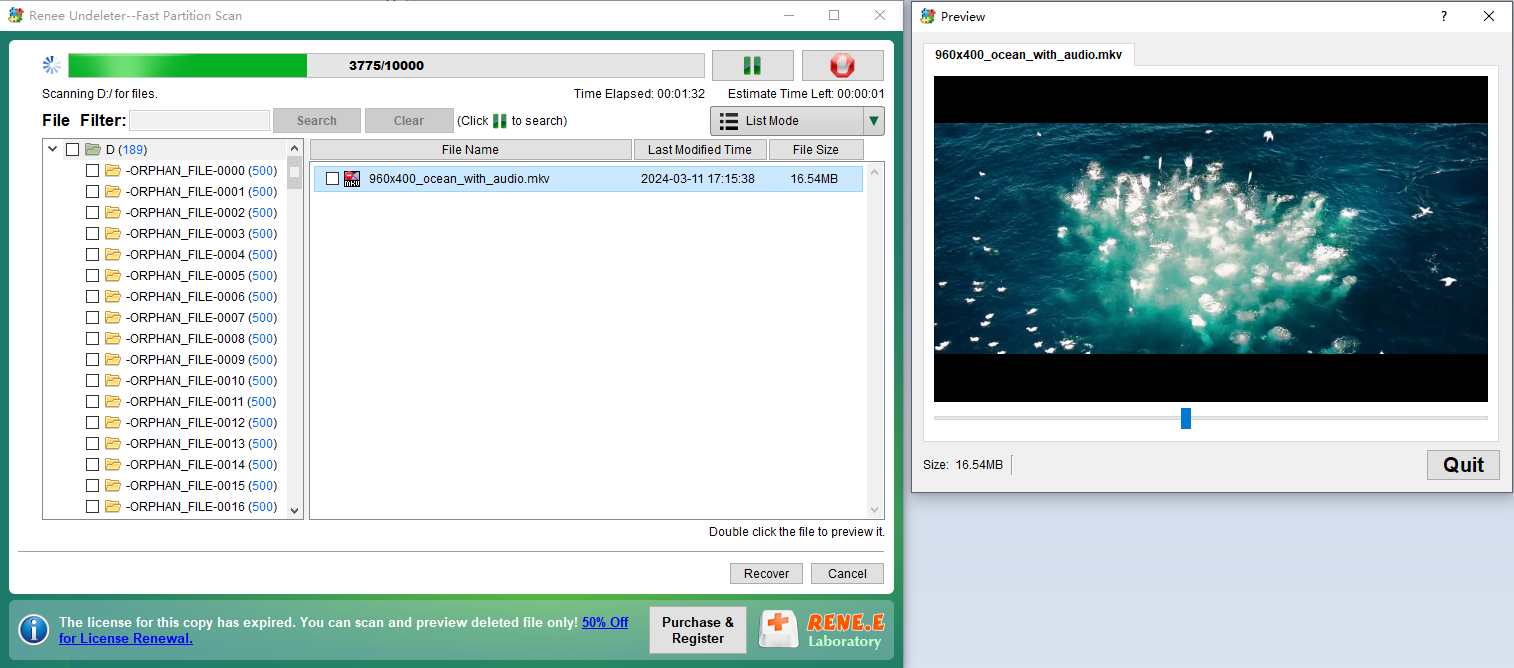
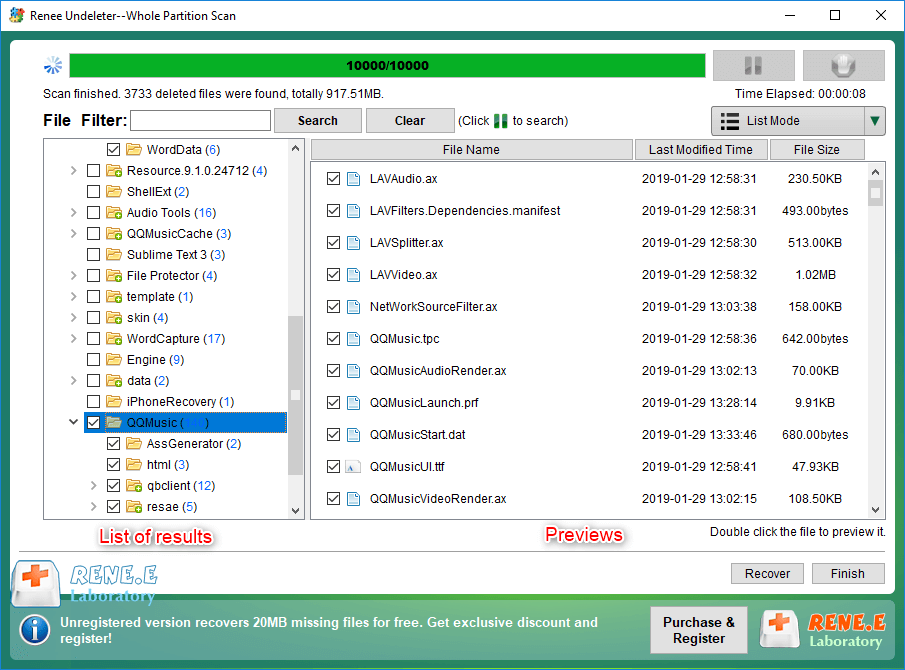
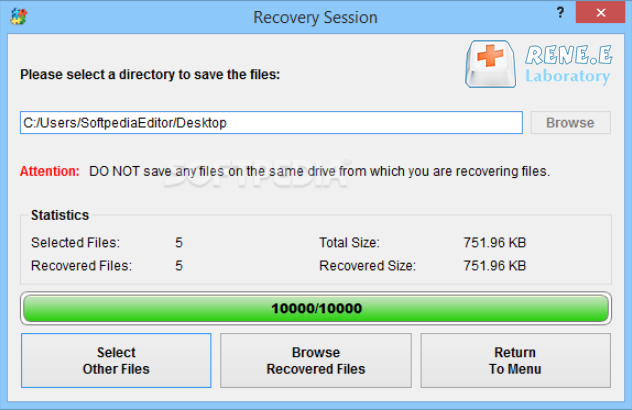
- It Understands Sony Files: Renee Undeleter recognizes all the photo formats Sony cameras use, including the special Sony Alpha RAW files (ARW). It can actually identify around 400 different file types, so it can find pretty much anything on your memory card.
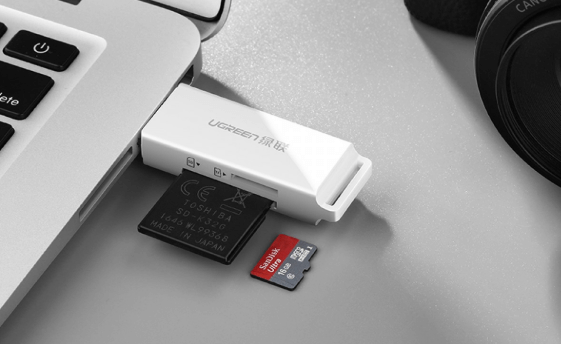
- Works with Any Card: No matter what type of memory card your Sony camera uses, Renee Undeleter can handle it. The key is to connect the card directly to your computer with a card reader. If you connect the camera itself, your computer might see it as a media device (MTP), which doesn’t allow the deep scan needed for recovery.
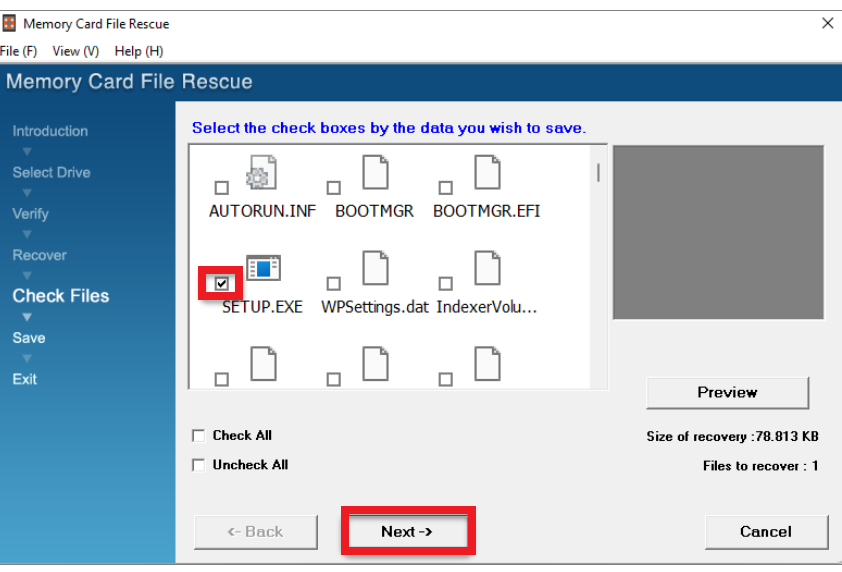
- Simple, Professional Results: You don’t need to be a tech wizard. The interface is clean and walks you through the process, giving you professional-grade results with just a few clicks.
- Recovers Videos, Too: With its new Advanced Camera Recovery (ACR) module, Renee Undeleter is especially good at piecing together fragmented video files. Modern cameras often split large video files, and this feature is designed to recover them whole, something many other tools struggle with.
Easy to use Only simple steps to recover data from storage devices.
Multiple scan modes Fast partition scan, whole partition scan and whole disk scan for different recovery needs.
File types Support to recover pictures, videos, audios, documents, mails, etc.
Supported storage devices Recover data from recycle bin, SD card, external disk, etc.
Supported systems Windows 11,10, 8.1, 8, 7, Vista, XP, 2000 and Mac OS X10.6, 10.7, 10.8+.
Easy to use Only simple steps to recover data from storage devices.
Multiple scan modes - 3 scan modes for different recovery needs.
Supported storage devices Recover data from recycle bin, SD card, external disk, etc.
Relate Links :
Sony XQD Card Data Recovery: A Comprehensive Guide

22-09-2024
Ashley S. Miller : Sony XQD cards are known for their reliability and performance, making them popular among photographers and videographers. Despite...
Best Practices : Recover Deleted Pictures from Sony Cybershot Camera on Windows 10/11
20-09-2024
Ashley S. Miller : Photos may disappear from Sony cameras due to accidental deletion, failing SD cards, virus infections from connected computers,...
Comprehensive Guide to CFast Card Data Recovery

31-08-2024
Amanda J. Brook : This guide covers essential information on recovering data from CFast cards, which are specialized memory cards used by...
How to Recover Lost Photos from Camera SD Card in Steps
27-06-2019
Ashley S. Miller : SD cards are basically used in digital cameras. Is there any difference between the SD card types? Which...



User Comments
Leave a Comment