
Delete NGC Folder Command Prompt Locked Out: Windows 10/11 Guide

Summary
This guide explains how to delete the NGC folder via Command Prompt when you're locked out, by taking ownership, granting permissions, and renaming the directory. It covers both desktop and WinRE methods to resolve Windows Hello PIN corruption.
Table of contents

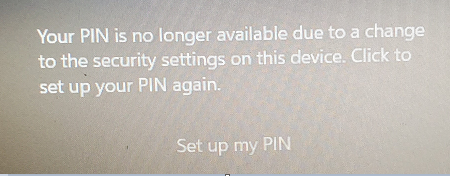
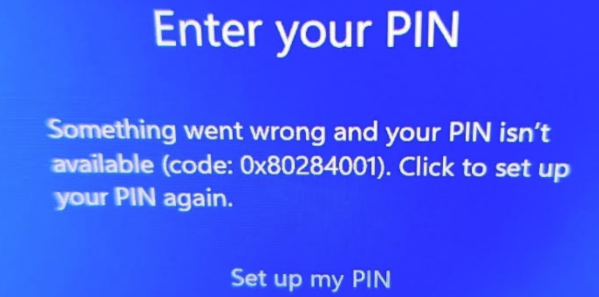
| Symptom | Likely Cause |
|---|---|
“PIN isn’t available” / “Wait 2 hours” |
Corrupted NGC folder or TPM mismatch. |
“Something went wrong” during PIN setup |
Failed Windows update or broken Hello service. |
“Access is denied” when trying to delete |
Strict system ownership ( |
NGC.old first, so you can roll back if needed. Delete it only if renaming fails.
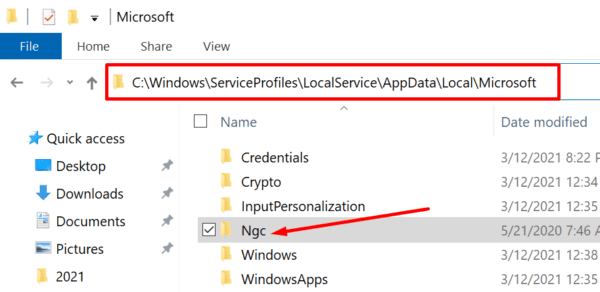
C:\Windows\ServiceProfiles\LocalService\AppData\Local\Microsoft\NGC

Bootable NGC Repair Use a bootable USB/CD to rename or delete the NGC folder when Windows won't start, then reset your PIN or password.
Recover the files Recover the deleted files without Windows system.
Transfer the data Transfer the important files of the computer with system.
Multifuctional Data transfer, data recovery, bootable problem recovery can be run without system.
Highly compatible Windows 11/10/8.1/8/7/XP/Vista. UEFI boot.
Remove Login Password Support Windows 11/10/8.1/8/7/XP/Vista. UEFI boot.
Recover the files Recover the deleted files without Windows system.
Transfer the data Transfer the important files of the computer with system.
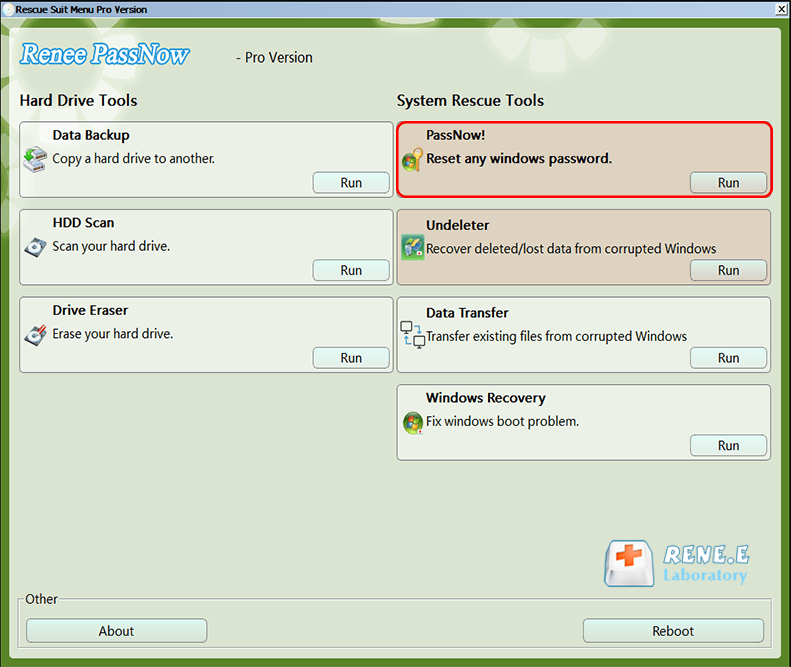
Key capabilities include:
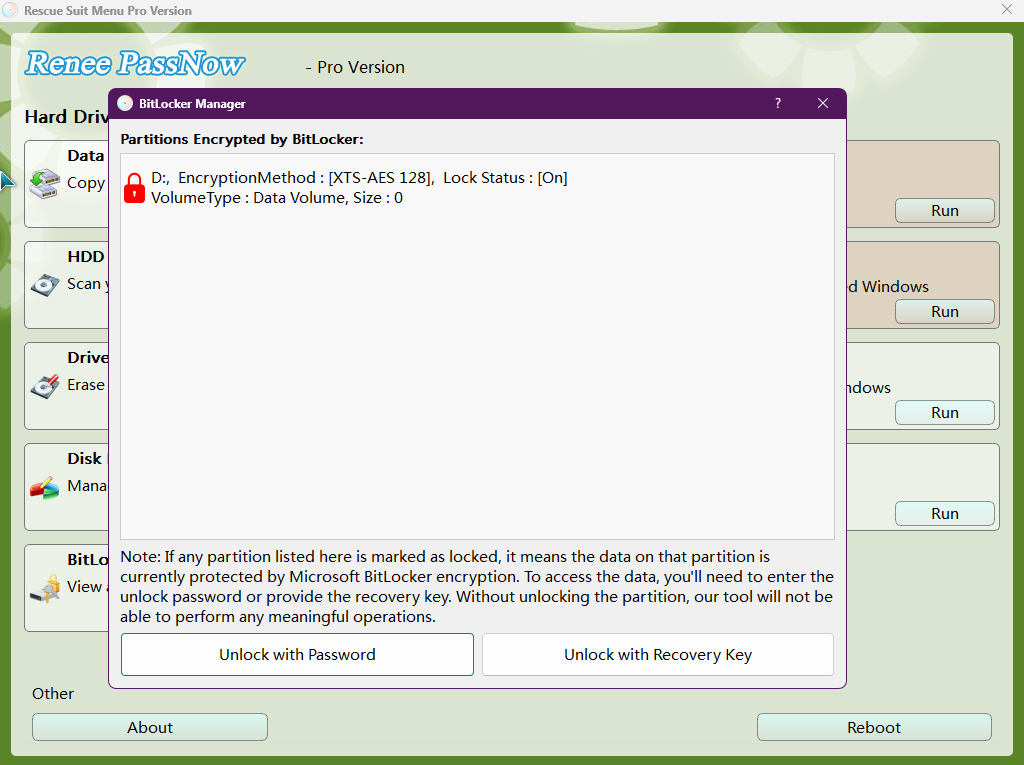
- Works from a bootable USB/CD even when Windows cannot start normally
- Clears Windows 10/11 PINs and passwords without requiring prior credentials
- Includes Data Transfer and Undeleter tools for safer recovery
Cons:
- Requires a working computer to create bootable media
- Basic edition does not support BitLocker features
- Uses built-in Windows commands with no extra download
- Creates a rollback point by renaming NGC to NGC.old first
- Fixes corrupted Windows Hello PIN data at the source
Cons:
- Requires careful command syntax and administrative access
- Drive letters can shift in WinRE and confuse the path
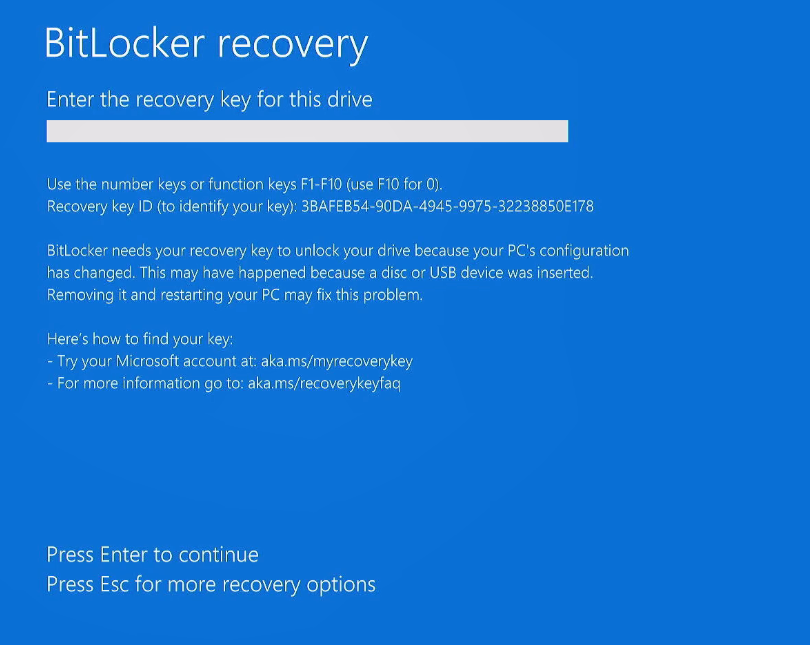
- BitLocker encryption must be unlocked before folder access
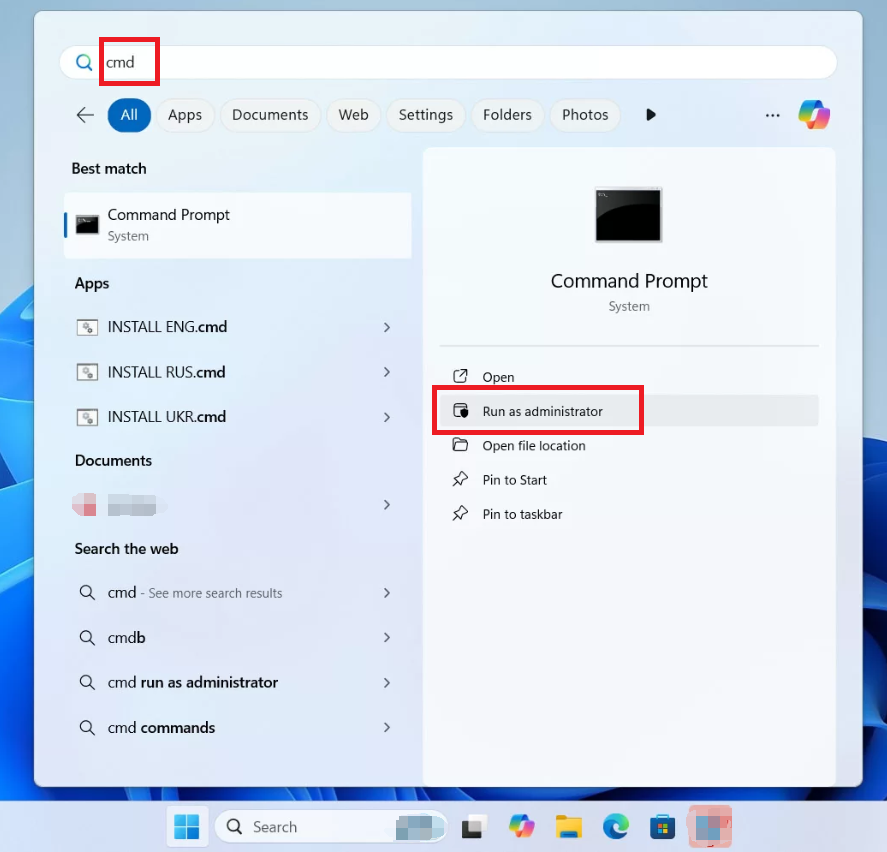
cmd, right-click Command Prompt, and select Run as administrator.
cd C:\Windows\ServiceProfiles\LocalService\AppData\Local\Microsoft
Microsoft folder; the NGC folder is inside.
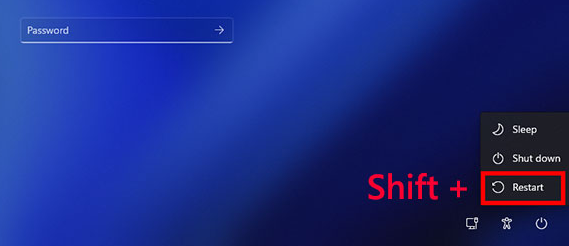
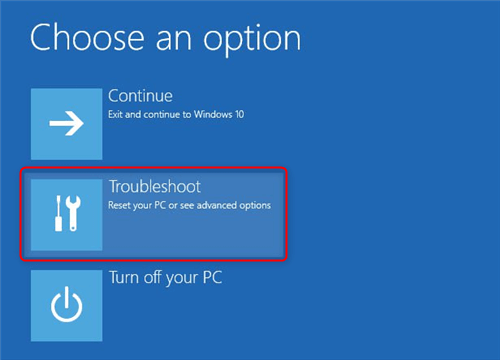
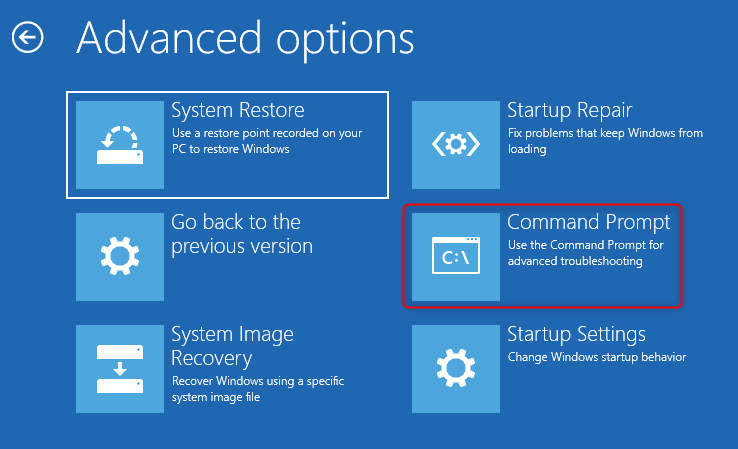
Windows folder:
dir C:
dir D:
cd command. For example, if Windows is on D:, use:
cd D:\Windows\ServiceProfiles\LocalService\AppData\Local\Microsoft
takeown /f NGC /r /d y
/f NGC: Targets the NGC folder.
/r: Recursively applies to all files and subfolders.
/d y: Automatically answers “yes” to prompts.
icacls NGC /grant administrators:F /t
/grant administrators:F: Gives full control to Administrators.
/t: Applies changes to all subfolders and files.
ren NGC NGC.old
rd NGC /s /q
/s: Removes all contents.
/q: Quiet mode, no confirmation.
Is it safe to delete the NGC folder, and what breaks if I do?
Should I rename NGC to NGC.old instead of deleting it?
NGC.old lets you restore the original folder if needed. You can revert by removing the .old extension, as long as you still have ownership and permissions.
Where is the NGC folder in Windows Recovery Environment, and how do I find the right drive letter?
\Windows\ServiceProfiles\LocalService\AppData\Local\Microsoft\NGC, but the system drive may not be C:. Use dir commands to find the correct volume, then adjust your path.
Remove Windows Login Password 3 steps for whole password remove process.
Enable/Create Administrator One click for creating new administrator and enable the disabled account.
Widely Use New version supports UEFI boot model, which can be used on more computers, laptops and even surfaces.
Multifuctional Data transfer, data recovery, bootable problem recovery can be run without system.
Highly compatible Windows 11/10/8.1/8/7/XP/Vista.
Remove Login Password Support Windows 11/10/8.1/8/7/XP/Vista.
Enable/Create Administrator One click for creating new administrator and enable the disabled account.
Easy to use No need of any professional knowledge or password reset disk.
Relate Links :
Unlocking Your Windows 10 Computer Without a Password: A Comprehensive Guide
21-11-2023
Jennifer Thatcher : Forgot your Windows 10 password? Don't worry - this article covers 5 different methods for unlocking your computer...
Locked Out of My Computer: Strategies for Regaining Access

21-11-2023
John Weaver : Don't panic if you find yourself unable to access your computer. With a few simple strategies, you can...
Locked Out of Lenovo Laptop in Windows 10? Here's How to Regain Access!

24-10-2023
Amanda J. Brook : Struggling with being locked out of your Lenovo laptop in Windows 10? Don't worry, we've got you covered...
Reset Windows 10 PIN Using Command Prompt

11-10-2023
Ashley S. Miller : Discover a simple and effective method for resetting your Windows 10 PIN with the command prompt, even if...



User Comments
Leave a Comment